1
LIP-8012E & LIP-8024E Gigabit Phone
User Guide
In iPECS-MG
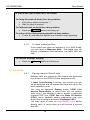
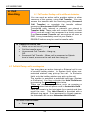
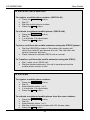
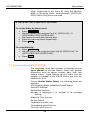
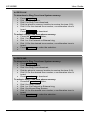
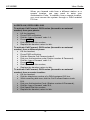
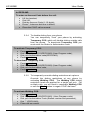
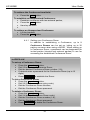
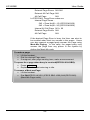
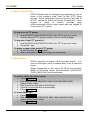
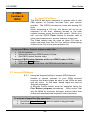
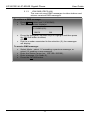
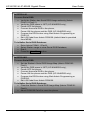
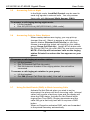
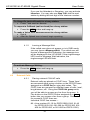
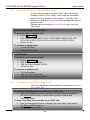
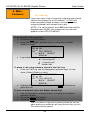
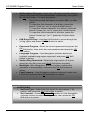
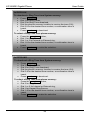
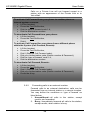
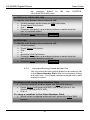
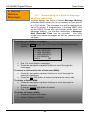
To register a mobile phone number:
•
•
•
•
•
Press the TRANS/PGM button,
Dial 51,
Select Mobile Index 1 or 2,
1 to activate, 0 to deactivate,
Press the HOLD/SAVE button.
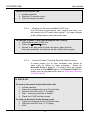
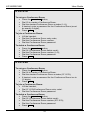
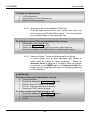
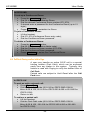
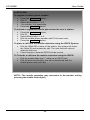
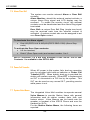
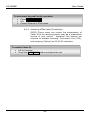
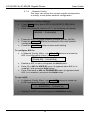
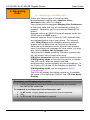
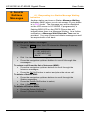
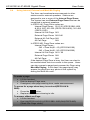
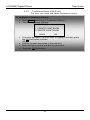
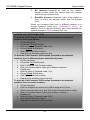
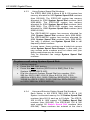
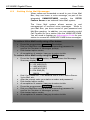
To activate a registered mobile phone from the user’s
station:
•
•
•
•
•
Press the TRANS/PGM button,
Dial 52,
Select Mobile Index 1 or 2,
Dial the mobile phone number with CO Access code,
Press the HOLD/SAVE button.
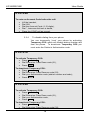
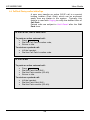
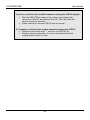
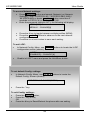
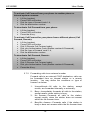
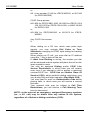
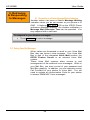
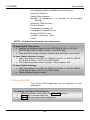
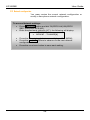
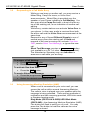
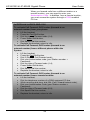
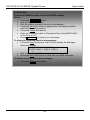
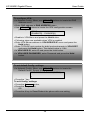
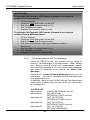
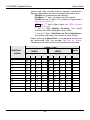
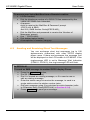
To place a call from the mobile extension using the
iPECS System:
•
•
Dial the ISDN DID number of the station; the system will check
the Caller ID and answer the call. The user then will receive
intercom dial tone,
Place internal or external iPECS call as normal.
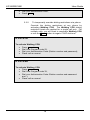
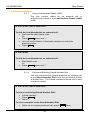
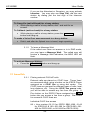
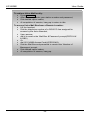
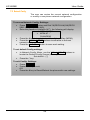
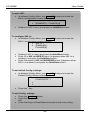
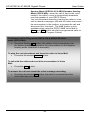
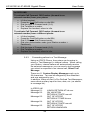
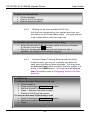
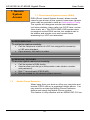
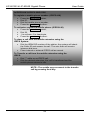
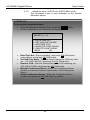
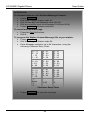
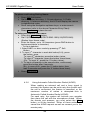
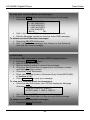
To Transfer a call from the mobile extension using the
iPECS:
•
•
Dial the mobile flash digit “*” while on an iPECS call,
Dial the desired extension, the call is transferred and the
mobile phone returns to idle.
NOTE—The mobile extension may reconnect to the
transfer call by pressing the mobile flash digit(*).
53