1
Section 5: Parts and Module Replacement
2.8.2 LIQUID COOLING ASSEMBLY
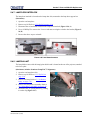
The liquid cooling assembly consists of a pump, coolant reservoir, radiator and heat sinks. All are
connected together with hoses and mounted within the front portion of the projector.
(30 minutes)
1. Remove top lid. Refer to 2.5.5 Top Lid, on page 2-10.
2. Remove side access panel. Refer to 2.5.9 Exhaust Panel Skin, on page 2-13.
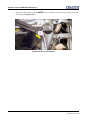
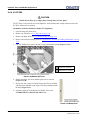
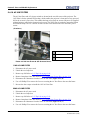
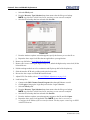
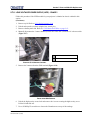
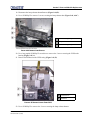
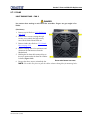
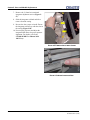
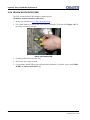
3. Use a #2 Phillips™ to remove the 2 screws securing the reservoir (Figure 2-53).
FIGURE 2-53 REMOVE REFILL HOSE
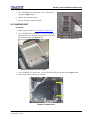
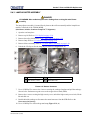
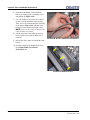
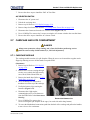
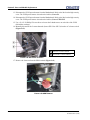
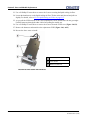
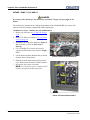
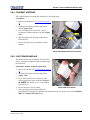
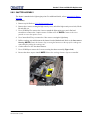
4. Disconnect the red and blue quick disconnects on the cooling hoses (Figure 2-54).
FIGURE 2-54 QUICK DISCONNECTS
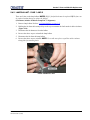
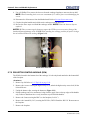
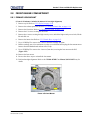
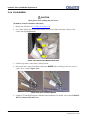
5. Use a #2 Phillips™ to remove the 3 screws securing the liquid cooling assembly to the frame.
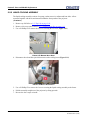
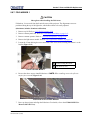
6. Pull the assembly straight out of the projector by tilting upwards.
7. Reverse the above steps to install.
2-46
CP2000-M/MR Service Booklet
020-100220-02 Rev. 1 (07/08)