1
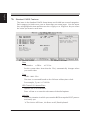
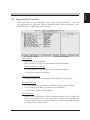
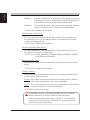
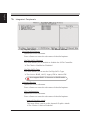
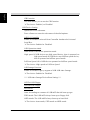
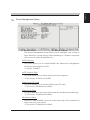
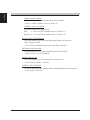
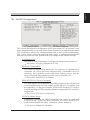
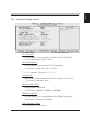
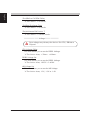
English UMA Frame Buffer Size This item allows you to set the UMA Frame Buffer Size. The Choice: 32MB, 64MB, 128MB, 256MB or 512MB. Surround View This item allows you to set the Surround View. The Choice: Auto, Disabled or Enabled. High Definition Audio This item allows you to set the High Definition Audio. The choice: Enabled or Disabled. Onboard LAN Function Decide whether to invoke the onboard LAN chip. The choice: Enabled or Disabled. Onboard Lan Boot ROM Decide whether to invoke the boot ROM of the onboard LAN chip. The choice: Disabled or Enabled. SuperIO Device Option are in its sub-menu. Press<Enter>to enter the sub-menu of detailed options. Onboard Serial Port 1/2 This option is used to assign the I/O address and interrupt request ( IRQ ) for the onboard serial port 1/2. The choice:Disabled, 3F8/IRQ4, 2F8/IRQ3, 3E8/IRQ4, 2E8/IRQ3. Onboard Parallel Port This item allows you to determine onboard parallel port controller I/O address and interrupt request ( IRQ ). The choice: 378/IRQ7, 278/IRQ5, 3BC/IRQ7, or Disabled. Parallel Port Mode Select an operating mode for the onboard parallel (printer) port. Select Normal, Compatible, or SPP unless you are certain your hardware and software both support one of the other available modes. The choice: SPP, EPP, ECP, or ECP+EPP. 13