1
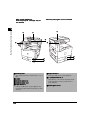
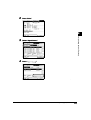
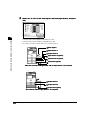
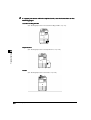
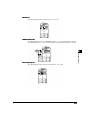
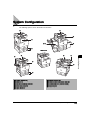
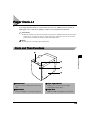
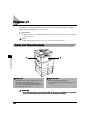
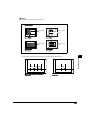
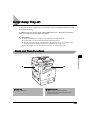
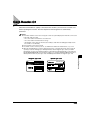
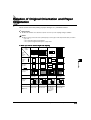
When Feeder (DADF-H1),
Inner 2way Tray-A1, and Copy Tray-F1
are attached
When the platen glass cover is attached
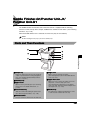
Before You Start Using This Machine
1
B
I
C
D
A
A
E
F
E
F
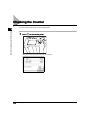
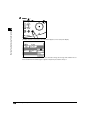
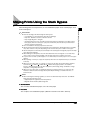
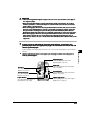
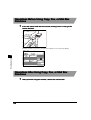
A Control panel
(See ‘Control Panel Parts and Functions,’ on p. 120.)
B Feeder
F Paper drawer 2
Holds up to 500 sheets of paper (80 g/m2).
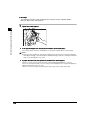
G , H Paper drawer 3, 4
C Original supply tray
Paper drawers of the Cassette Feeding Unit-W1.
Each paper drawer holds up to 500 sheets of
D Original output area
paper (80 g/m2).
E Paper drawer 1
Holds up to 500 sheets of paper (80 g/m2). Also,
the Envelop Feeder Attachment-B1 (option) can be
attached.
1-18
Parts and Their Functions
I Platen glass cover