1
Hardware Equipment Room Applications
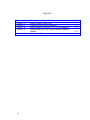
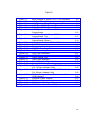
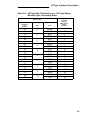
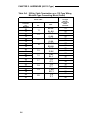
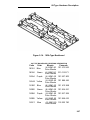
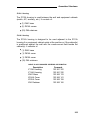
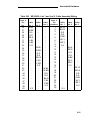
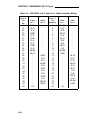
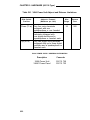
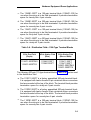
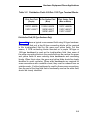
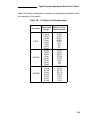
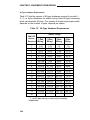
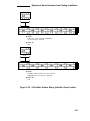
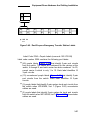
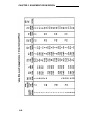
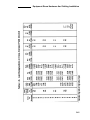
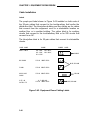
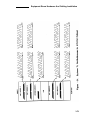
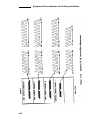
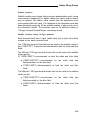
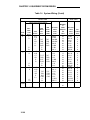
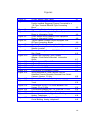
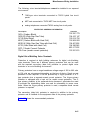
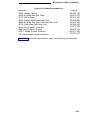
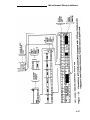
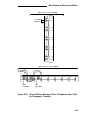
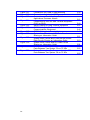
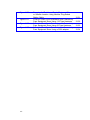
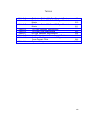
Table 3-C. Distribution Field—900-Pair 110P-Type Terminal Blocks
3-Pair Port Field
(Purple)
4-Pair Station Field
(Blue)
3-Pair Station Field
(Blue or White)
110PC1-900CB
110PC1-900CT
110PB1-900CB
110PB1-900CT
110PB1-900FT
110PC1-900CB
110PC1-900CT
110PC1-900FT
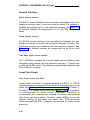
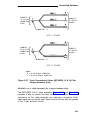
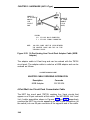
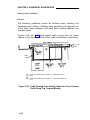
Distribution Field (66-Type Hardware Only)
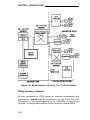
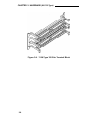
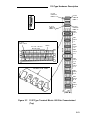
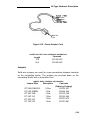
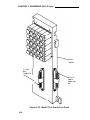
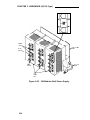
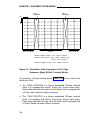
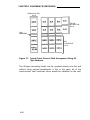
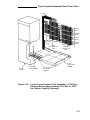
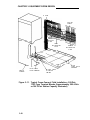
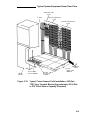
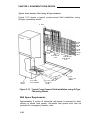
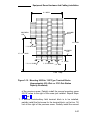
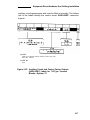
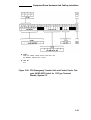
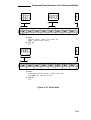
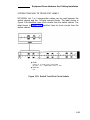
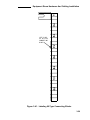
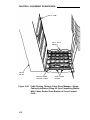
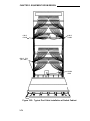
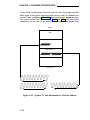
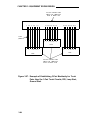
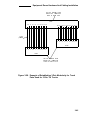
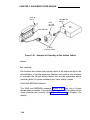
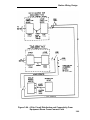
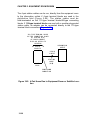
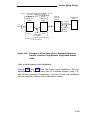
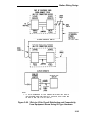
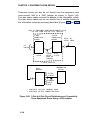
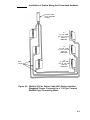
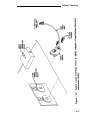
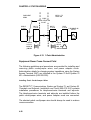
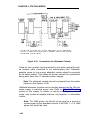
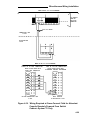
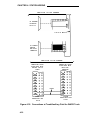
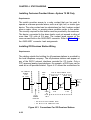
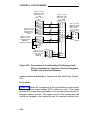
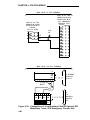
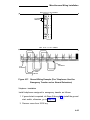
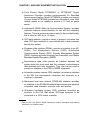
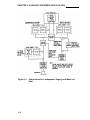
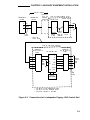
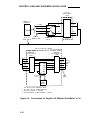
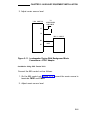
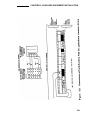
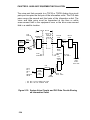
Figure 3-7 shows a typical cross-connect field using 66-type hardware.
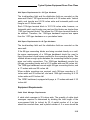
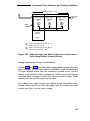
It is possible that only a few 66-type connecting blocks will be required
in the trunk/auxiliary field for the green and yellow fields. For this
reason, if 157B connecting blocks mounted on a purple 183-type or
166-type backboard is used as the trunk/auxiliary field, then some of
the extra connecting blocks in the purple field can be used as the green
and yellow fields to save ordering extra backboards and connecting
blocks. When this is done, the green and yellow fields should be clearly
identified to avoid confusion. When white backboards are required for
cross-connections with a satellite closet, they must be ordered from an
outside vendor. If a blue backboard is used for these cross-connections,
then the part of the blue field that is functionally used as the white field,
should be clearly identified.
3-11