1
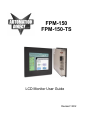
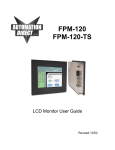
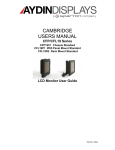
FLI-180 & FLI-180-TS
Table Of Contents
Section 1 Introduction
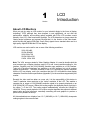
About LCD Monitors
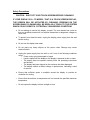
Product Safety Precautions
Section 2 Display Setup
Included Parts
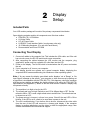
Connecting Your Display
Section 3 Getting Started
Display Features
Getting Started
Adjusting the Display
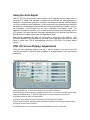
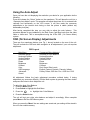
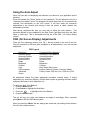
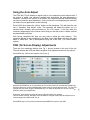
Using the Auto-Adjust
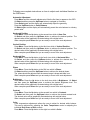
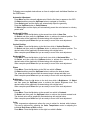
OSD (On Screen Display) Adjustments
Section 4 Touch Screen Set up
Introduction to Touch Screens
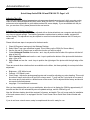
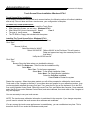
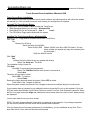
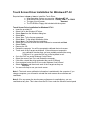
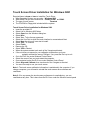
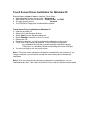
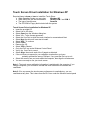
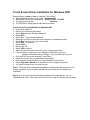
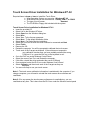
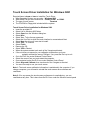
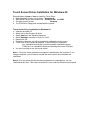
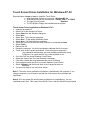
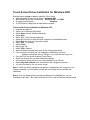
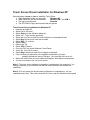
Touch Screen Driver Installation
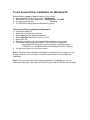
Windows 98
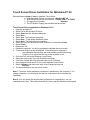
Windows NT 4.0
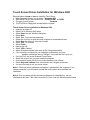
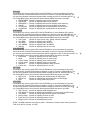
Windows 2000
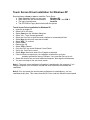
Windows XP
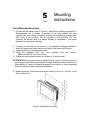
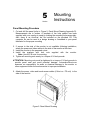
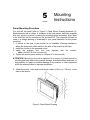
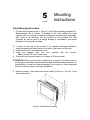
Section 5 Mounting Instructions
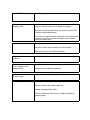
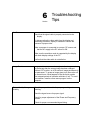
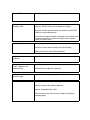
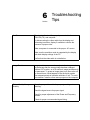
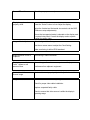
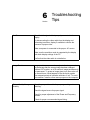
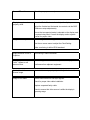
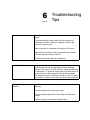
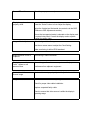
Section 6 Trouble Shooting Tips
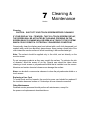
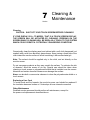
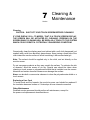
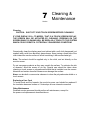
Section 7 Cleaning and Maintenance
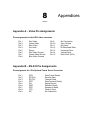
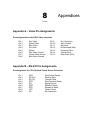
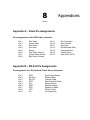
Section 8 Appendices
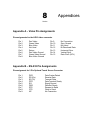
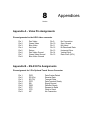
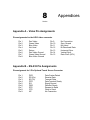
A-VGA Pin Assignment
B-RS-232 Pin Assignment
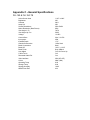
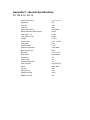
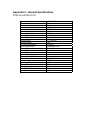
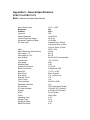
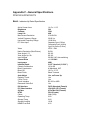
C-General Specifications
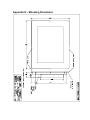
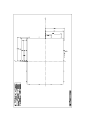
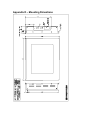
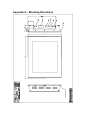
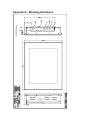
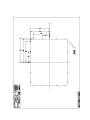
D-Mounting Dimensions