1
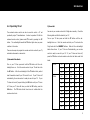
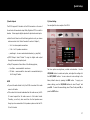
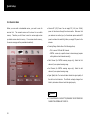
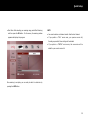
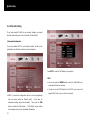
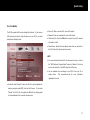
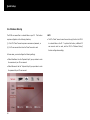
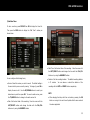
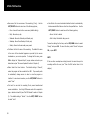
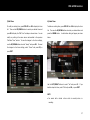
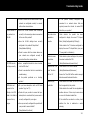
Troubleshooting Guide I can’t connect to Check to ensure that the other devices on your data from your provider? squashed or Have the W-LAN settings been correctly EPG data is not present in the Check whether the product has been configured to display the correct TV Aspect Ratio. (Setup\Configuration\A/V Output) Check whether the TV has been configured to (Setup\Network\Setting) display the correct TV Aspect Ratio. (see your Check to ensure that the wireless devices on TV user guide for information) your too wide configured in the product’s Setup Menu? and regularly access the internet to receive EPG at the rear of the product? not play correctly configured Have the W-LAN antennas been connected W-LAN correctly with another network device. The picture looks CD/DVD discs do product connected to a network device that can correctly to the screw-type antenna connectors the network are configured correctly to connect my network via Is network are configured correctly to Unable to access Check whether system settings on the product connect with another wireless device. Setup Menu have been locked with a PIN. Has a compatible-format disc been inserted options (Setup\Miscellaneous\Access Control) into the DVD drive? Unable to use “trick Check to see whether the disc is scratched or mode” functions needs cleaning. with live TV (Setup\Miscellaneous\Preferences) Is the product positioned on a vibrating Ensure the Time Shift buffer contains enough data to execute the desired function. surface? Unable to play Do you have subscription with an EPG data media files provider? (e.g. Ice TV) Check whether Time Shift is enabled. Check whether the media files are in a format that is supported by the product. Check whether the media files are playable on Check with your provider to ensure that your another device or if there may be some issue data in the Guide is subscription is current and that your account is or error with the actual media files. incorrect for my correctly configured for your region. Guide, or the EPG region If the media files are stored on a disc, check Have you correctly configured the product with whether your provider’s account details? cleaning. the disc is scratched or needs (Setup\Network\Ice Guide) 111