1
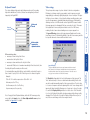
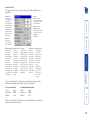
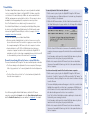
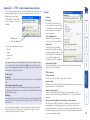
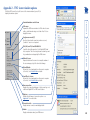
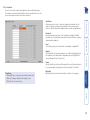
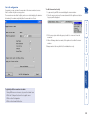
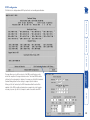
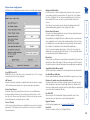
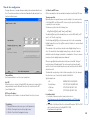
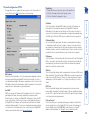
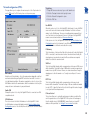
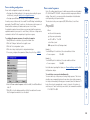
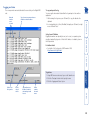
User accounts Power When ticked, the selected user will be permitted to control the power input to host systems (requires optional power control switch unit(s) to be fitted). To get here 1 Using VNC viewer or a browser, log on as the ‘admin’ user. 2 Click the ‘Configure’ button in the top right corner. 3 Click the ‘User Accounts’ option. Menu Bar Optionally click to customise the menu bar for each user. See next page. Remote When ticked, the selected user can gain access via an IP network link (such as a local intranet or the wider Internet, depending on how the Digital iPEPS is connected) and/or Console Server access. Local This column is greyed out as this feature is not available on Digital iPEPS. Password Each password can be between 1 and 16 characters in length. A suitable password is best constructed using a mixture of more than 6 letters, numbers and punctuation characters. User Name All user names must consist of lower case characters or numbers only. No symbols or upper case characters are permissible. The user name can be between 1 and 32 characters in length but cannot contain foreign characters. Up to 16 users can be created by the admin user, each with their password. The admin user can also determine whether the users are allowed access to the power control menu in order to turn servers on and off. 31