1
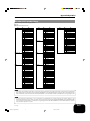
Selecting and Using Built-in Tones
3
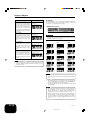
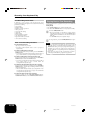
Tone Type
• For information about each tone group, see the tone list
on page A-1.
Example: ORGAN
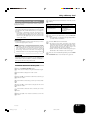
Your digital piano has the following types of tones built in.
Panel Tones
120
GM Tones
128
Drum Sets
10
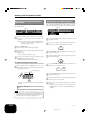
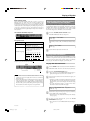
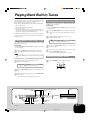
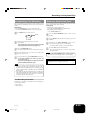
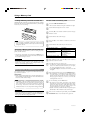
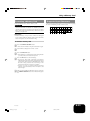
Press one of the 12 TONE buttons to select the tone
group you want.
• See the Tone List on page A-1 for more information.
Selecting a Tone
• Pressing a TONE button causes its indicator lamp to light.
Panel tones are divided into 12 groups. You can select a group by
pressing its TONE button on the digital piano control panel.
[
4
1
Or
g
1]
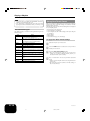
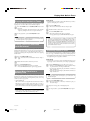
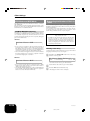
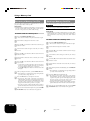
Rotate the dial to select a tone in the current selected
tone group.
• Rotating the dial scrolls through the names of the available
tones on the display. Display the name of the tone you
want to use.
Example: Jazz Organ
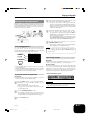
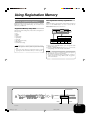
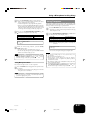
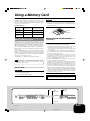
Press the POWER button.
POWER button
2
000 : Dr awba r
Pop01
[ 006 : 0 J a z z 0Or
0Pop01
g
Dial
TONE
an
]
0
Use the MAIN VOLUME knob to adjust the volume
level.
• Before playing, it is a good idea to set the volume to a
relatively low level.
METRONOME
POWER
MAIN VOLUME
SPLIT
LAYER
REVERB CHORUS
TEMPO
E-6
AP80R_e_01-16.p65
429A-E-008A
6
04.8.26, 3:44 PM