1
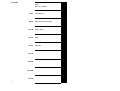
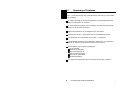
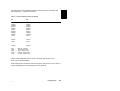
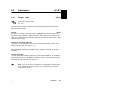
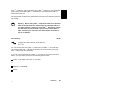
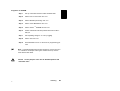
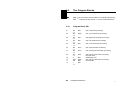
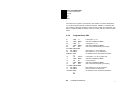
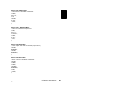
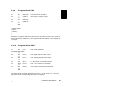
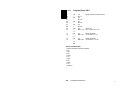
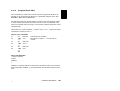
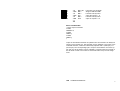
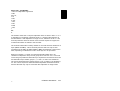
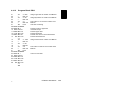
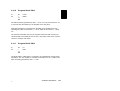
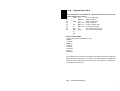
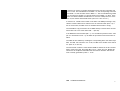
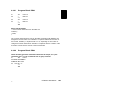
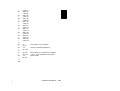
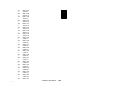
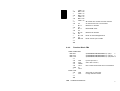
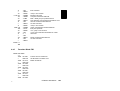
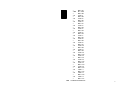
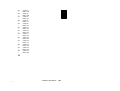
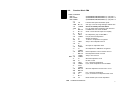
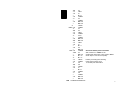
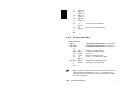
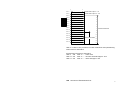
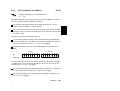
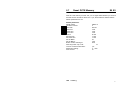
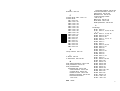
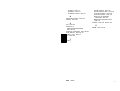
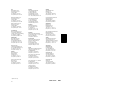
Since many computers have a US keyboard, the special German letters are assigned to function keys.
<Shift>+<F1>
<Shift>+<F2>
<Shift>+<F3>
<Shift>+<F4>
<Shift>+<F5>
<Shift>+<F6>
<Shift>+<F7>
<Shift>+<F8>
<Shift>+<F9>
<Shift>+<F10>
=
=
=
=
=
=
=
=
=
=
Ä
Ö
Ü
ä
ö
ü
ß
|
<
>
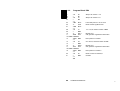
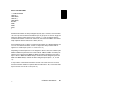
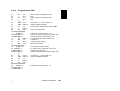
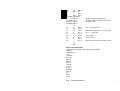
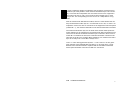
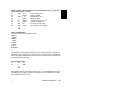
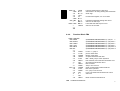
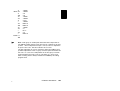
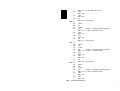
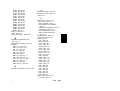
Additional columns in the column part of the data point list can be defined with
<Shift>+<F8>.
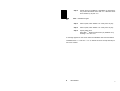
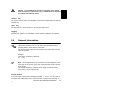
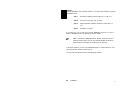
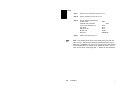
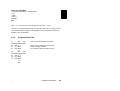
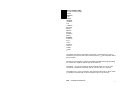
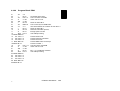
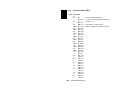
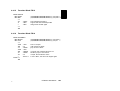
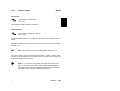
Note The complete character set can be edited with <Alt>+<ASCIIkeyboard-code>. The number string may only be input with a number
block.
The corresponding tables can be found in the user handbook of the
PADT or in the printer handbook.
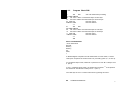
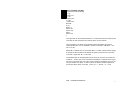
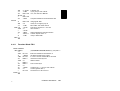
Example:
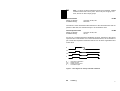
The letter Ä should be entered with the keyboard code. Press the Alt-key and
then the digits 1, 4 and 2 one after the other. Then release the Alt key and the Ä
appears on the screen.
38
Handling
21