1
716
WIN-PAK User Guide
7
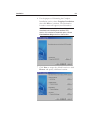
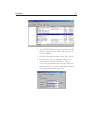
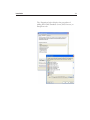
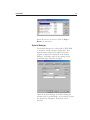
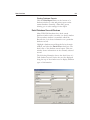
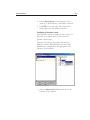
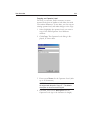
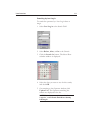
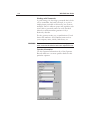
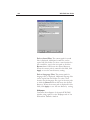
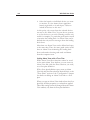
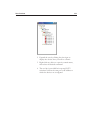
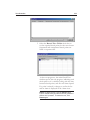
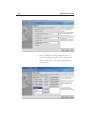
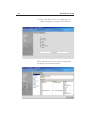
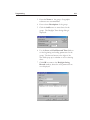
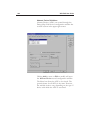
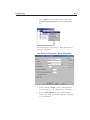
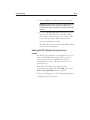
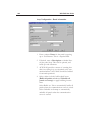
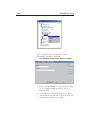
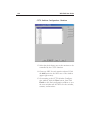
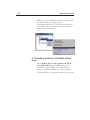
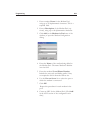
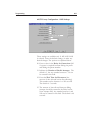
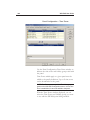
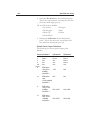
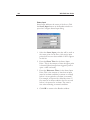
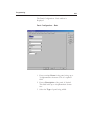
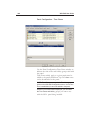
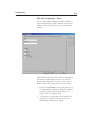
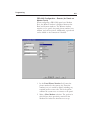
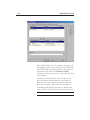
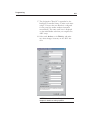
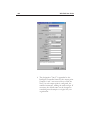
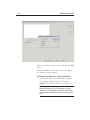
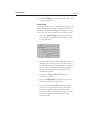
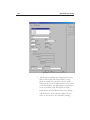
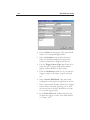
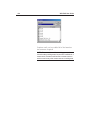
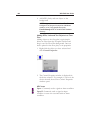
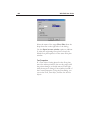
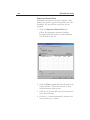
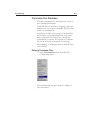
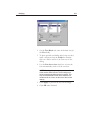
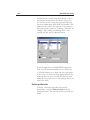
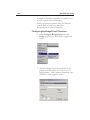
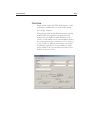
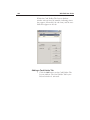
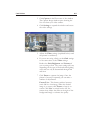
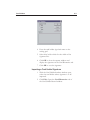
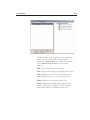
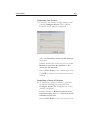
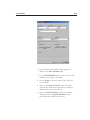
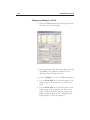
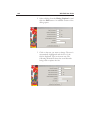
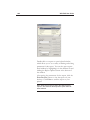
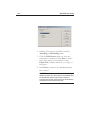
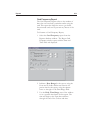
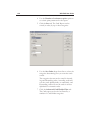
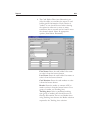
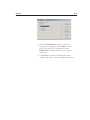
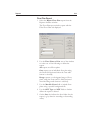
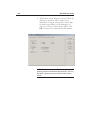
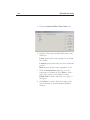
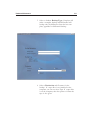
Select the Devices tab to select or deselect the
devices in the list.
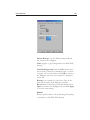
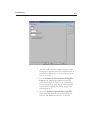
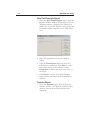
8 Select the Sort Order tab to define the sorting
properties/criteria. You can sort the fields based
on Date and Time, Operator Actions, Operators,
or Devices.
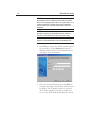
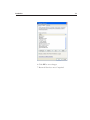
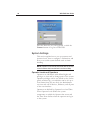
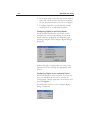
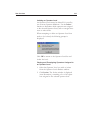
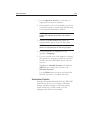
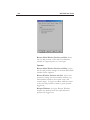
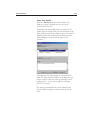
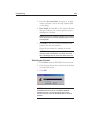
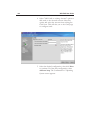
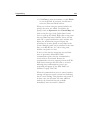
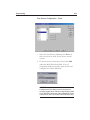
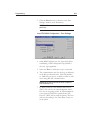
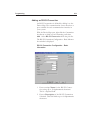
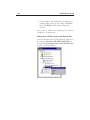
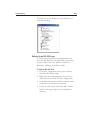
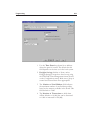
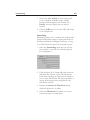
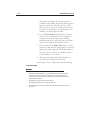
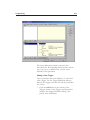
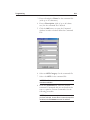
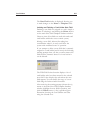
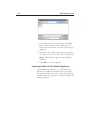
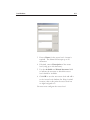
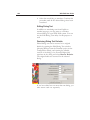
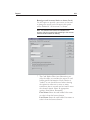
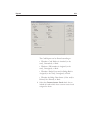
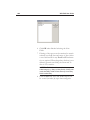
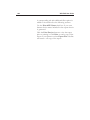
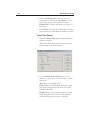
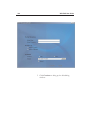
9 Click Run Report to generate the report. The
Operator Actions Report is displayed in a separate window.
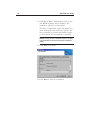
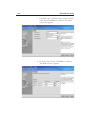
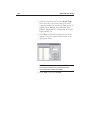
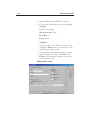
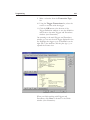
10 Click Default Filters to show the default filter
data.
11 Click Close to close Operator Actions Report
dialog.
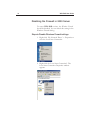
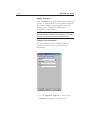
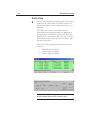
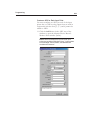
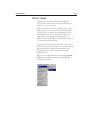
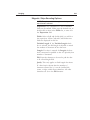
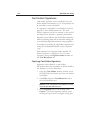
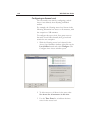
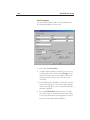
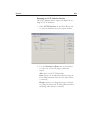
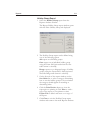
Operator Level Report
1
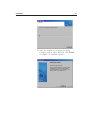
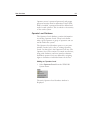
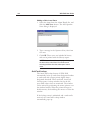
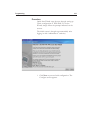
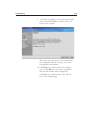
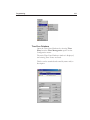
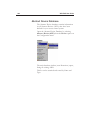
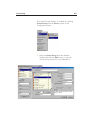
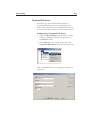
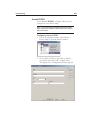
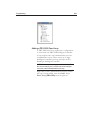
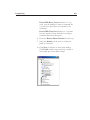
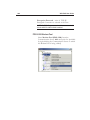
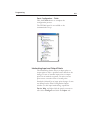
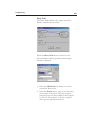
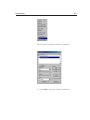
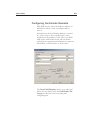
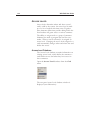
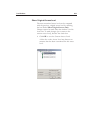
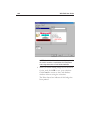
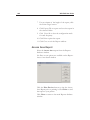
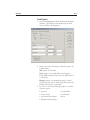
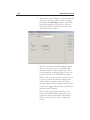
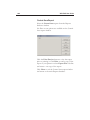
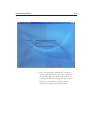
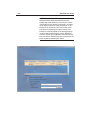
Select the Operator Level report from the
Reports database window.
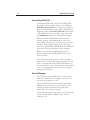
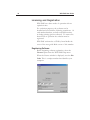
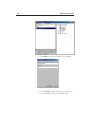
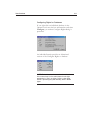
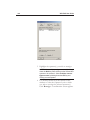
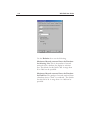
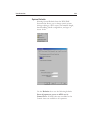
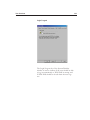
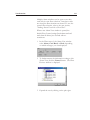
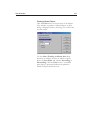
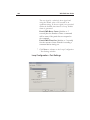
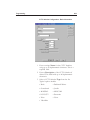
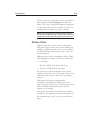
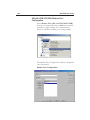
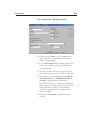
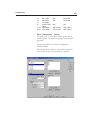
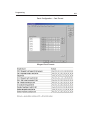
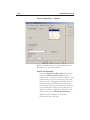
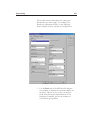
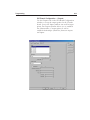
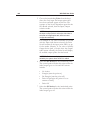
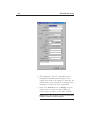
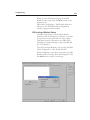
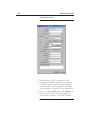
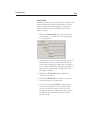
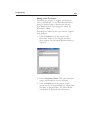
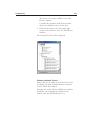
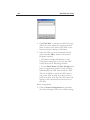
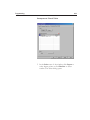
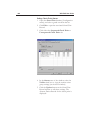
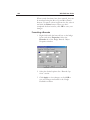
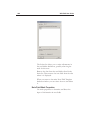
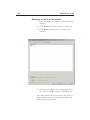
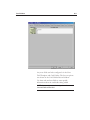
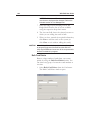
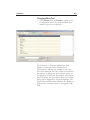
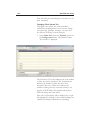
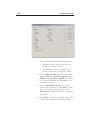
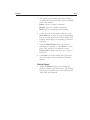
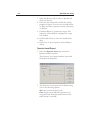
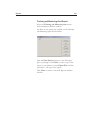
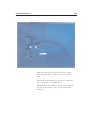
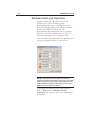
The Operator Level report window opens with
the Report tab displayed.
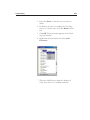
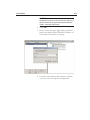
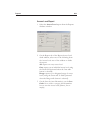
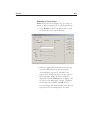
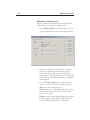
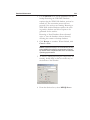
2
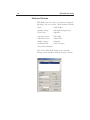
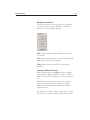
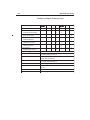
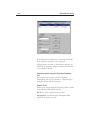
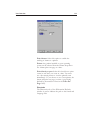
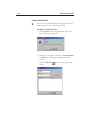
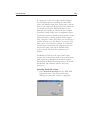
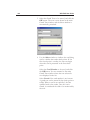
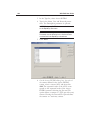
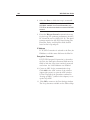
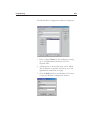
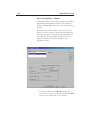
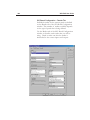
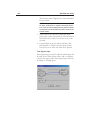
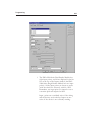
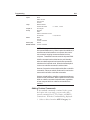
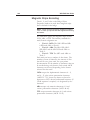
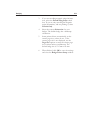
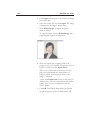
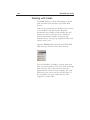
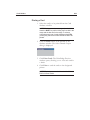
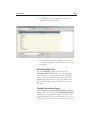
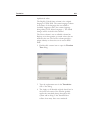
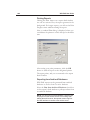
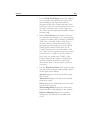
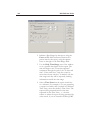
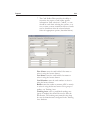
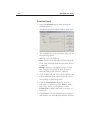
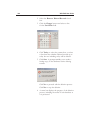
The Operator Level report can be defined using
one of the following options.
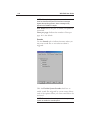
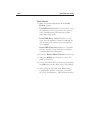
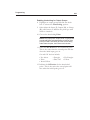
All: reports on all operator levels.
One: reports on an individual operator level
using the From field [activated when the One
radio button is selected].