1
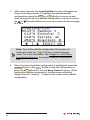
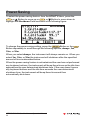
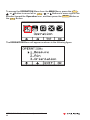
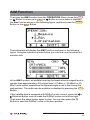
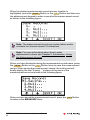
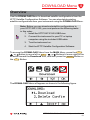
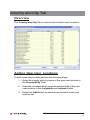
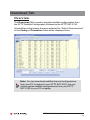
11. The instrument will display the Save Record Function as shown
in the following figure. To select the memory location for your
measurement record, press the F1 or F2 Button to move up
and down through the list one location at a time or press the
or
Button to move up or down the list one page (4 locations) at a
time.
Note: You may select an empty location or write over an
existing measurement record location.
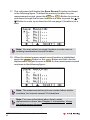
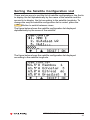
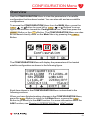
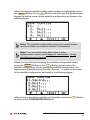
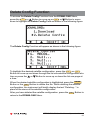
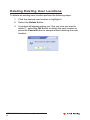
12. When the desired measurement record location is highlighted,
press the ENTER Button or the F4 Button and then use the
alphanumeric keypad to enter a name for the measurement record
as shown in the following figure:
Note: The measurement record can contain letters and/or
numbers, but cannot exceed 12 characters.
Note: For more information about how to enter
alphanumeric values, see Chapter 2: Introduction, Using
the Alphanumeric Keypad.
XFTP SAT-2150 Satellite Meter - Operation Manual
26