1
2
Hardware Installation
CPU
Overview
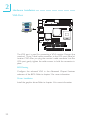
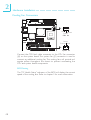
The system board is equipped with a surface mount mPGA478
CPU socket.
Installing the CPU
1. Make sure the PC and all other peripheral devices connected to
it has been powered down.
2. Disconnect all power cords and cables.
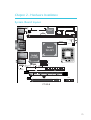
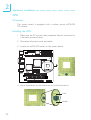
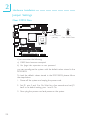
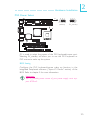
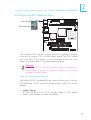
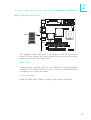
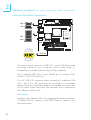
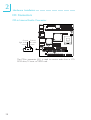
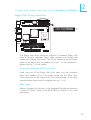
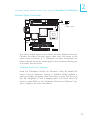
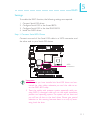
3. Locate the mPGA478 socket on the system board.
KB
Mouse
X
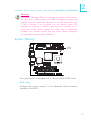
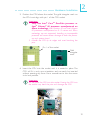
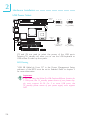
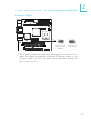
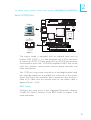
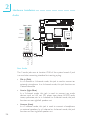
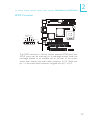
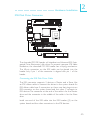
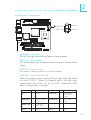
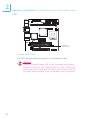
4. Use a screwdriver to turn the screw to its unlock position.
Lock
Unlock
20