1
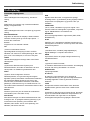
Settings
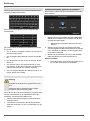
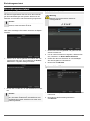
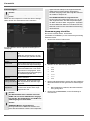
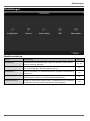
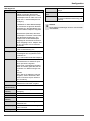
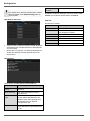
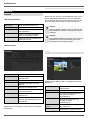
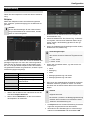
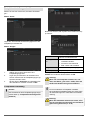
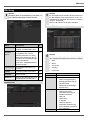
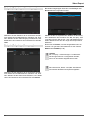
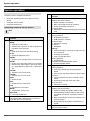
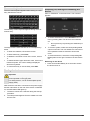
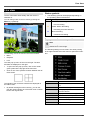
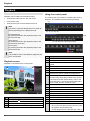
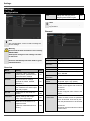
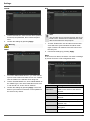
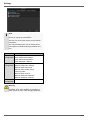
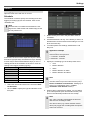
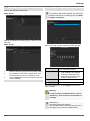
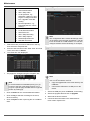
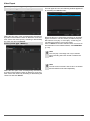
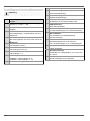
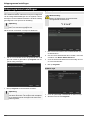
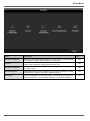
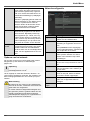
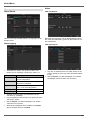
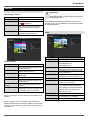
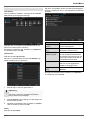
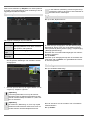
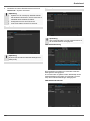
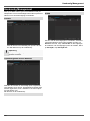
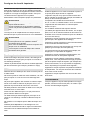
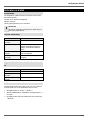
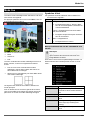
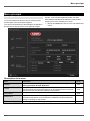
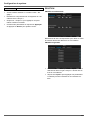
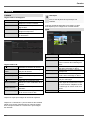
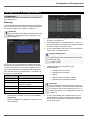
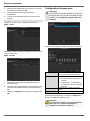
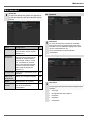
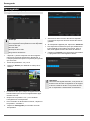
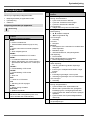
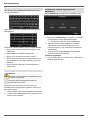
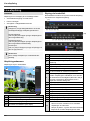
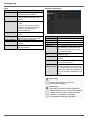
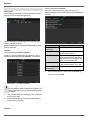
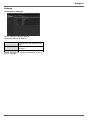
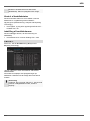
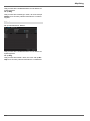
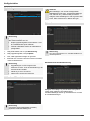
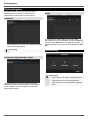
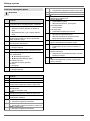
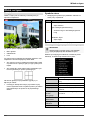
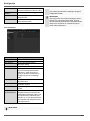
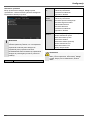
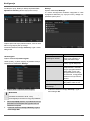
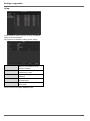
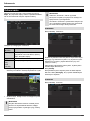
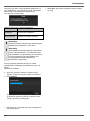
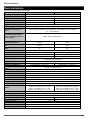
TAB Handling
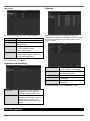
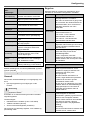
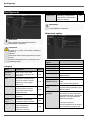
TAB PTZ
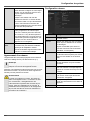
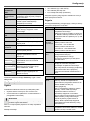
Parameter
PTZ
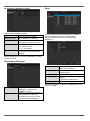
Open presets
Preset
Start patrol
Patrol
Start pattern
Pattern
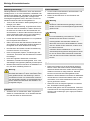
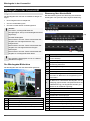
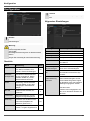
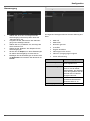
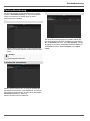
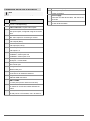
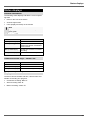
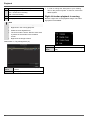
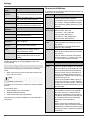
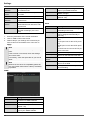
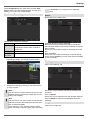
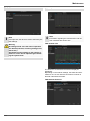
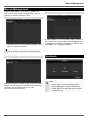
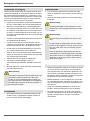
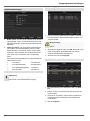
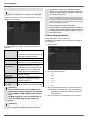
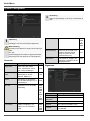
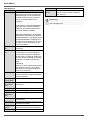
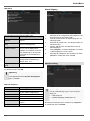
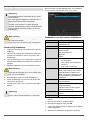
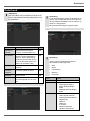
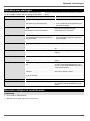
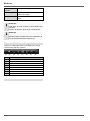
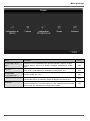
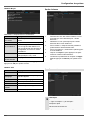
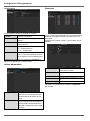
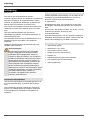
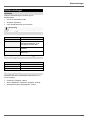
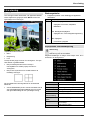
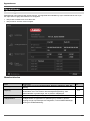
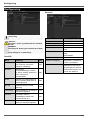
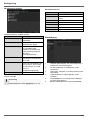
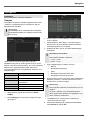
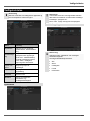
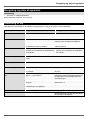
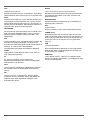
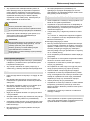
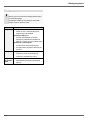
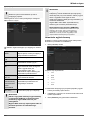
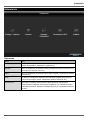
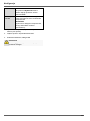
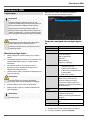
Define the response in the case of an alarm:
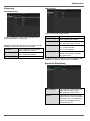
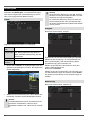
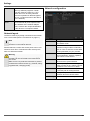
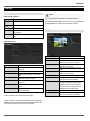
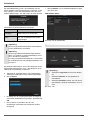
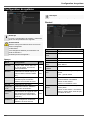
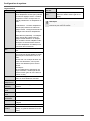
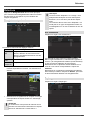
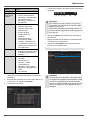
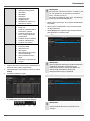
Parameter
Setting
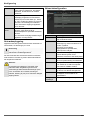
Setting
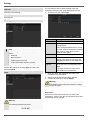
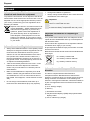
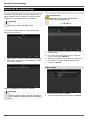
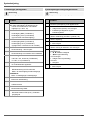
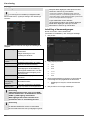
Select a PTZ camera
A preset (preset item) can be
opened
Selects a preset
A patrol can be started
Patrol selection
A pattern can be opened
Pattern selection
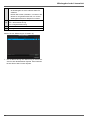
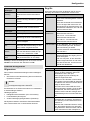
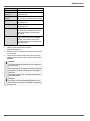
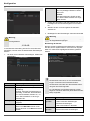
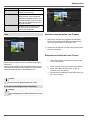
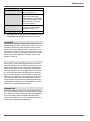
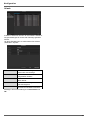
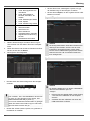
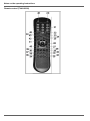
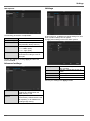
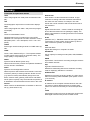
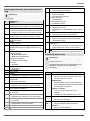
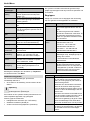
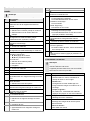
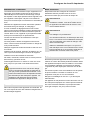
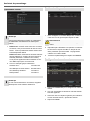
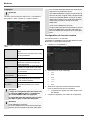
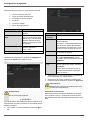
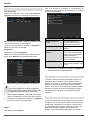
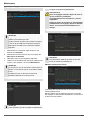
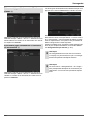
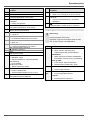
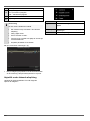
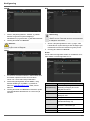
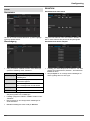
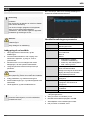
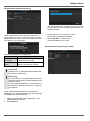
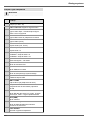
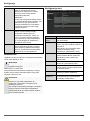
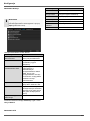
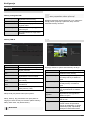
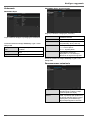
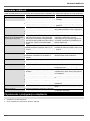
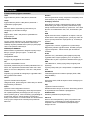
Alarm output
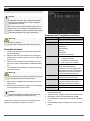
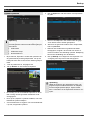
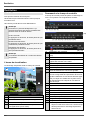
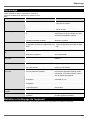
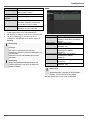
Full Screen Mon- A message appears on the monitor.
itoring
Audible Warning
The device emits a repeating tone.
Notify Surveillance Center
Sends an alarm signal to a PC with
ABUS CMS software. The software
must be enabled and the recorder
set to surveillance mode on the PC.
Send E-Mail
An e-mail is sent to a specific e-mail
address (see page 96).
see also page Fehler! Textmarke
Trigger Alarm
nicht definiert.
Output
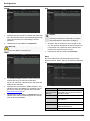
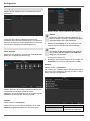
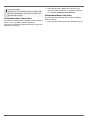
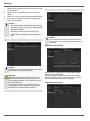
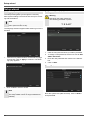
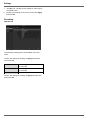
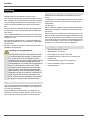
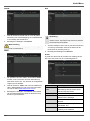
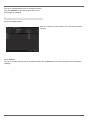
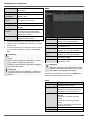
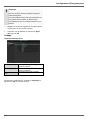
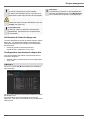
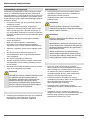
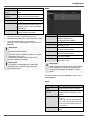
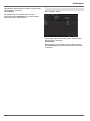
Confirm the settings by clicking Apply and leave the
menu with OK.
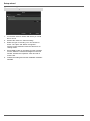
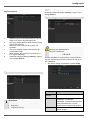
1.
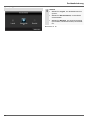
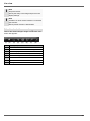
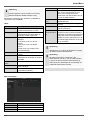
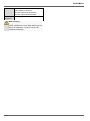
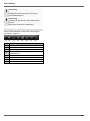
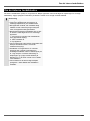
Note
2.
To record with the aid of an alarm, you must set
up the schedule under Recording (see p. 109).
3.
4.
5.
6.
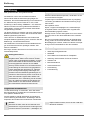
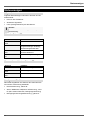
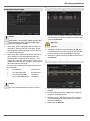
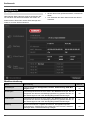
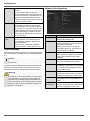
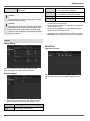
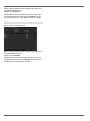
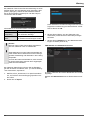
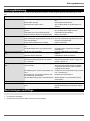
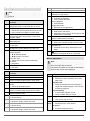
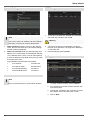
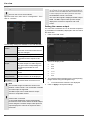
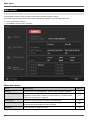
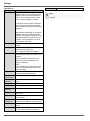
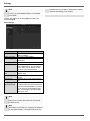
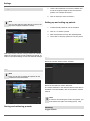
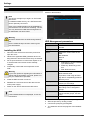
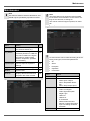
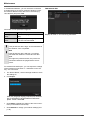
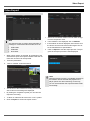
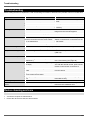
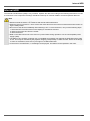
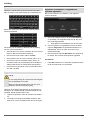
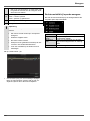
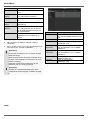
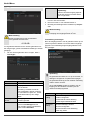
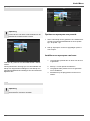
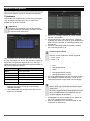
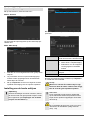
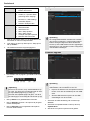
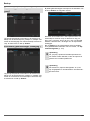
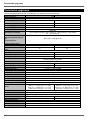
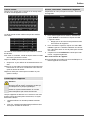
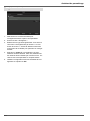
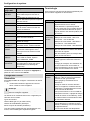
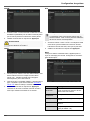
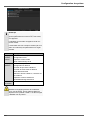
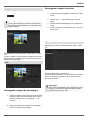
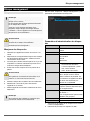
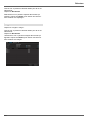
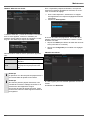
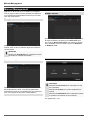
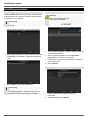
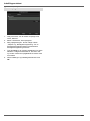
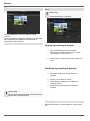
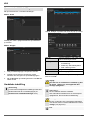
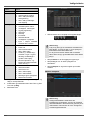
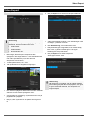
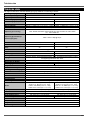
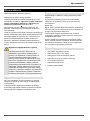
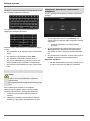
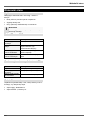
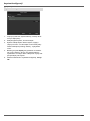
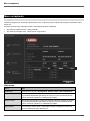
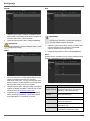
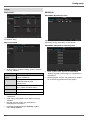
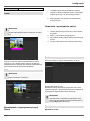
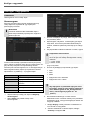
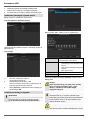
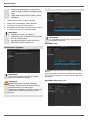
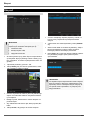
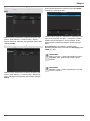
Select an alarm output to be configured in the
drop-down menu under “Alarm Output No.”.
Assign any name to the alarm output in “Alarm
Name”.
In “Dwell Time”, select how long the alarm is triggered for.
In “Handling”, select the schedule for the alarm
output.
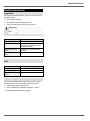
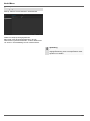
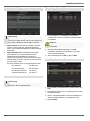
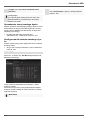
Click Copy to apply these settings for other alarm
outputs.
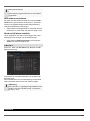
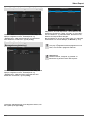
Confirm the settings by clicking Apply and leave
the menu with OK.
102