1
L2 Controller Commands
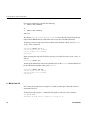
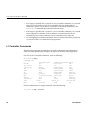
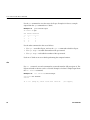
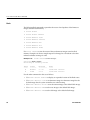
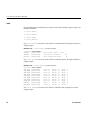
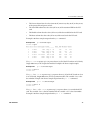
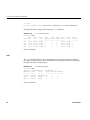
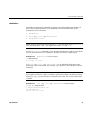
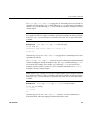
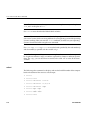
Use env summary to generate an environmental summary of an entire system.
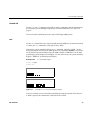
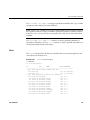
Example 3-76 shows sample output.
Example 3-76
env summary Command Output
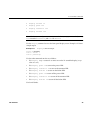
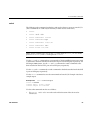
L2>env summary
all environmental conditions appear normal
L2>
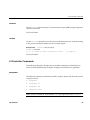
Use rack <rng> slot <rng> env summary to display an environmental summary
for specified rack number(s) and slot number(s).
Note: For the <rng> variable, you can enter a single number, or two numbers separated
by a hyphen to indicate a range, or numbers separated by commas to indicate separate
items. For <rng>, you can also enter an asterisk or the word “all” to select all the items
available.
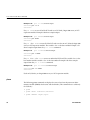
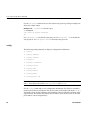
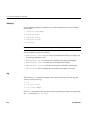
help
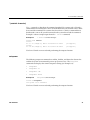
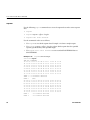
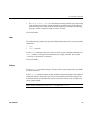
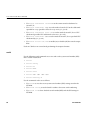
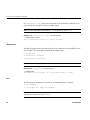
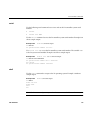
Use the help command to generate a list of all of the system controller commands. Use
the help <command> command to display more information on a single command. The
variable <command> is the name of a command.
Note: For this command, hlp may replace the word help.
For information about entering commands, see “Sending Commands to Specific
Devices” on page 39.
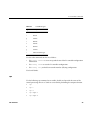
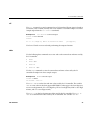
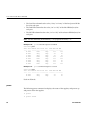
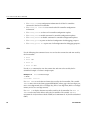
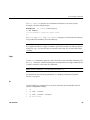
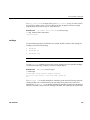
ip
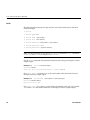
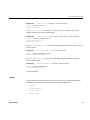
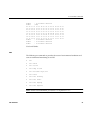
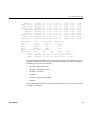
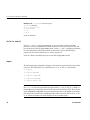
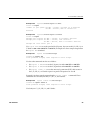
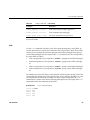
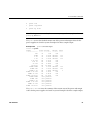
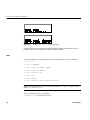
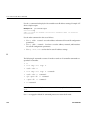
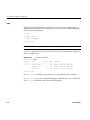
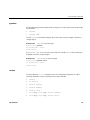
Use the following ip command set to set, clear, and show the L2 controller static IP
address configuration settings.
007-3938-003
•
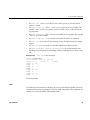
ip
•
ip <addr> <netmask>
•
ip <addr> <netmask> <broadcast>
•
ip clear|reset
99