1
GET IT NOW
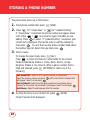
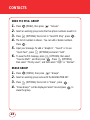
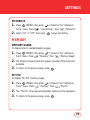
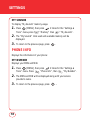
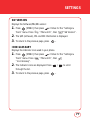
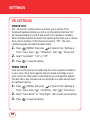
MY SOUNDS
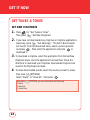
1.
Press
for "Get Tunes & Tones".
Then press
"My Sounds".
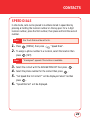
2.
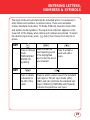
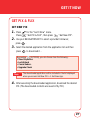
To play downloaded sounds, select the sound you want to play,
then press
[PLAY].
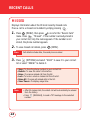
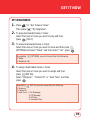
3.
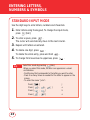
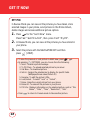
To erase downloaded sounds, select the sound you want to erase,
then press
[OPTIONS].
Select “Erase” or “Erase All”, then press
.
By pressing
1. Erase
2. Erase All
3. Sound Info
4.
[OPTIONS], you can choose from the following:
To send the PIX message, press
[SEND].
Record New
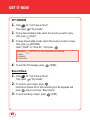
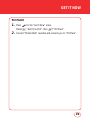
1.
Press
for "Get Tunes & Tones".
Then press
"My Sounds".
2.
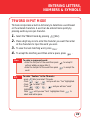
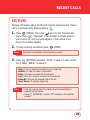
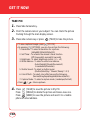
To record a voice memo, press
.
Instructions (Please OK to start recording) will be displayed and
press
and you will hear "Beep Sound".
3.
To stop recording a memo, press
96
[STOP].