1
all.book Page 48 Tuesday, July 15, 2003
9:53 AM
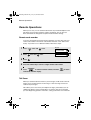
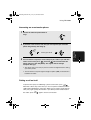
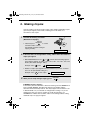
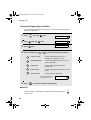
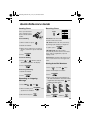
Adjusting the Resolution and Contrast
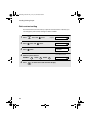
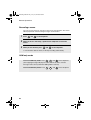
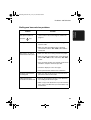
Contrast settings
1
AUTO
Use AUTO for normal documents.
DARK
Use DARK for faint documents.
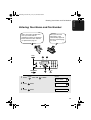
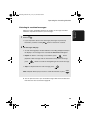
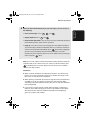
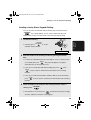
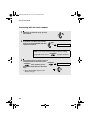
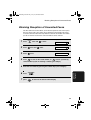
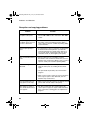
Load the document(s).
• The document must be loaded before
the resolution and contrast can be
adjusted.
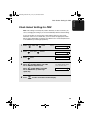
2
RESOLUTION/
Press RECEPTION MODE one or more times
until the desired resolution and
contrast settings appear in the display.
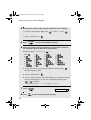
• The first time you move through the list
of resolution settings, the contrast
setting AUTO will appear next to each
resolution setting. The second time you
move through the list, the contrast
setting DARK will appear.
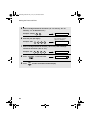
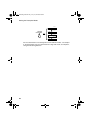
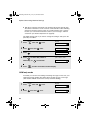
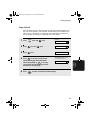
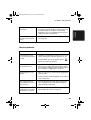
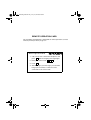
Display:
STANDARD
:AUTO
FINE
:AUTO
SUPER FINE :AUTO
HALF TONE
:AUTO
STANDARD
:DARK
HALF TONE
:DARK
Note: In order to transmit in SUPER FINE resolution, the receiving fax machine
must also have that resolution. If it doesn’t, your machine will automatically step
down to the next best available setting.
48