1
26
Operating Manual
DiBos
Playback mode
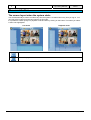
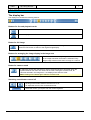
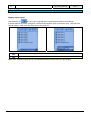
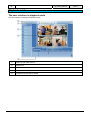
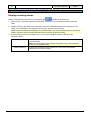
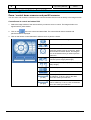
Place individual cameras in the image area
After selecting the image display, you will now want to display specific cameras.
You can do so as follows:
•
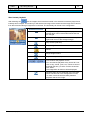
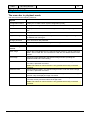
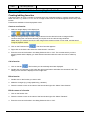
Place by double-clicking
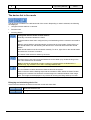
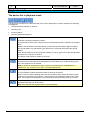
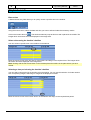
Double-clicking on a camera icon in the device list places the camera in the selected image window (with
the yellow border).
Left-click with the mouse to select a different image window. Double-clicking on a different camera icon
places its image in the new image window that you have selected.
•
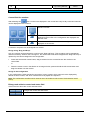
Place by "Drag and Drop"
Press and hold the left mouse button and drag the camera icon from the device list into an image
window. Release the mouse button and the image of this camera appears in the image window.
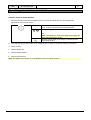
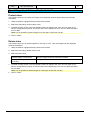
Move cameras within the image area
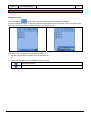
In a multiple-image display, you can move cameras within the image areas.
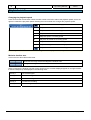
To do so, move the mouse cursor into the title bar of an image window, press and hold the left mouse button
and drag the camera into a different image window. Release the mouse button and the image of this camera
appears in the image window.
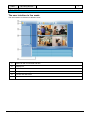
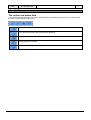
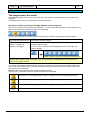
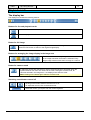
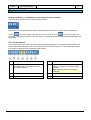
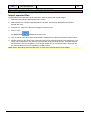
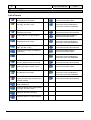
Enlarge and minimize image area
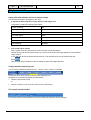
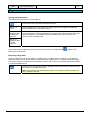
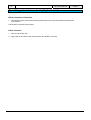
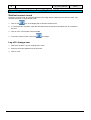
Click on the bar beneath the image area.
Minimizes the image area.
Enlarges the image area.
F.01U.512.560
A1/2005-09
Bosch Security Systems