1
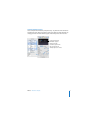
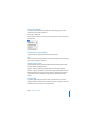
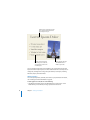
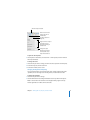
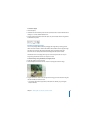
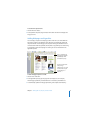
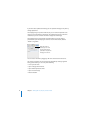
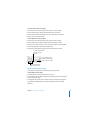
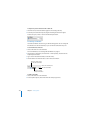
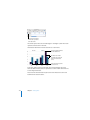
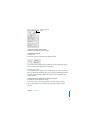
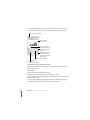
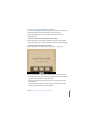
Turn text or images into
hyperlinks that open
another slide, a Keynote
document, a webpage, or
an email message. The blue
arrow (visible only in edit
mode) means the item is a
clickable hyperlink.
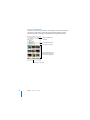
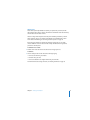
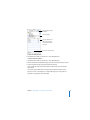
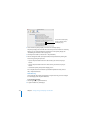
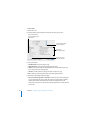
To add a hyperlink:
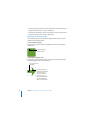
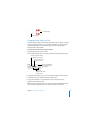
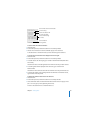
1 Select the text, shape, image, or movie you want to turn into a hyperlink.
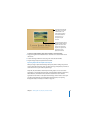
2 In the Hyperlink Inspector, select “Enable as a hyperlink” and choose an option from
the Link To pop-up menu.
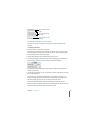
3 Enter the required information.
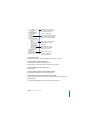
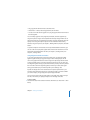
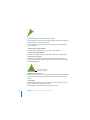
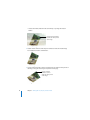
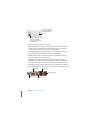
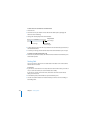
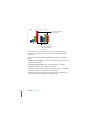
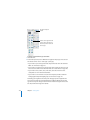
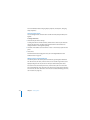
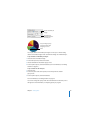
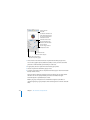
For text hyperlinks, if you
want the slide to display
text other than the URL,
select the text first.
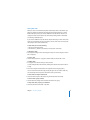
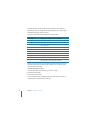
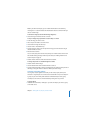
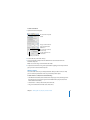
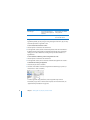
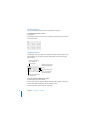
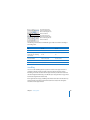
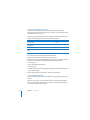
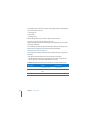
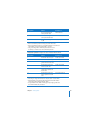
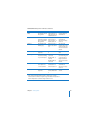
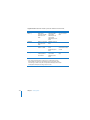
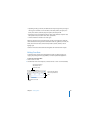
Use this type of hyperlink
To perform this action
Notes
Slide
Go to another slide in the
presentation
Choose whether to display the
next, previous, first, or last
slide; the last slide viewed; or a
specific slide number.
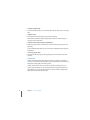
Webpage
Open the webpage in a
browser (Safari, for example)
Keynote opens your default
browser (specified in Safari
preferences).
Keynote File
Open another Keynote
document
If you transfer the presentation
to another computer,
remember to transfer the
other document as well.
Chapter 3 Working With Text, Graphics, and Other Media
75