1
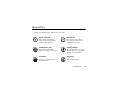
check it out
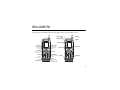
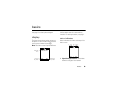
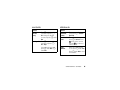
Home Screen
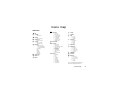
Main Menu
Main Menu
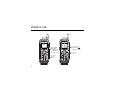
1
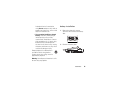
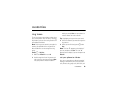
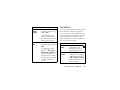
Press and hold the
Power Key for a
few seconds, or until
the screen lights up,
to turn on your phone.
1 T u
0 L g
P D l
More
Exit
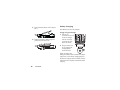
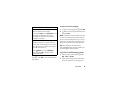
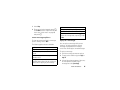
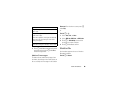
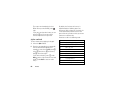
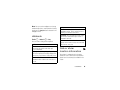
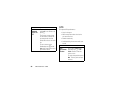
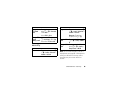
3 Press the Navigation key
up, down, left or right ( )
to highlight a menu feature.
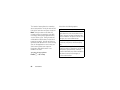
4 Press the O key
to select.
2
2
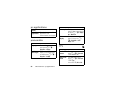
Press the O key
to open the
Settings screen