1
Instruction
Si12-411A
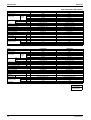
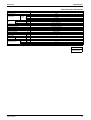
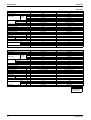
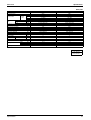
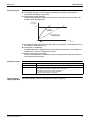
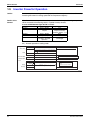
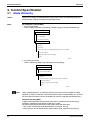
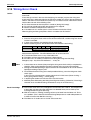
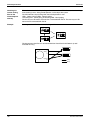
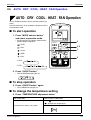
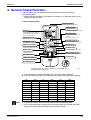
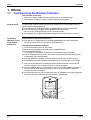
■ To change the air flow rate setting
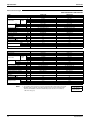
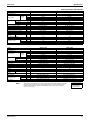
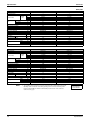
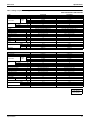
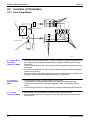
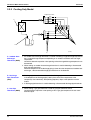
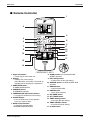
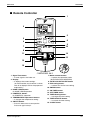
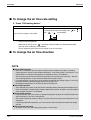
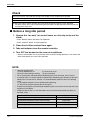
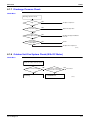
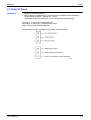
5. Press “FAN setting button”.
DRY mode
AUTO or COOL or HEAT or FAN mode
Five levels of air flow rate setting from “
The air flow rate setting is not variable.
plus “
”“
” to “
”
” are available.
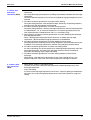
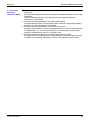
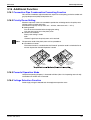
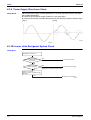
• Indoor unit quiet operation
When the air flow is set to “
”, the noise from the indoor unit will become quieter.
Use this when making the noise quieter.
The unit might lose power when the fan strength is set to a weak level.
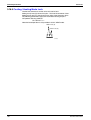
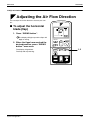
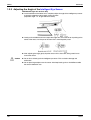
■ To change the air flow direction
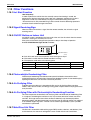
NOTE
■ Note on HEAT operation
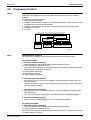
• Since this air conditioner heats the room by taking heat from outdoor air to indoors, the heating
capacity becomes smaller in lower outdoor temperatures. If the heating effect is insufficient, it is recommended to use another heating appliance in combination with the air conditioner.
• The heat pump system heats the room by circulating hot air around all parts of the room. After the
start of heating operation, it takes some time before the room gets warmer.
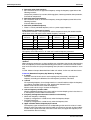
• In heating operation, frost may occur on the outdoor unit and lower the heating capacity. In that case,
the system switches into defrosting operation to take away the frost.
• During defrosting operation, hot air does not flow out of indoor unit.
■ Note on DRY operation
• The computer chip works to rid the room of humidity while maintaining the temperature as
much as possible. It automatically controls temperature and fan strength, so manual adjustment of these functions is unavailable.
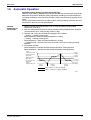
■ Note on AUTO operation
• In AUTO operation, the system selects an appropriate operation mode (COOL or HEAT) based on the
room temperature at the start of the operation.
• The system automatically reselects setting at a regular interval to bring the room temperature to usersetting level.
• If you do not like AUTO operation, you can manually select the operation mode and setting
you like.
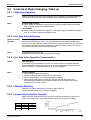
■ Note on air flow rate setting
• At smaller air flow rates, the cooling (heating) effect is also smaller.
130
System Configuration