1
Device Configuration
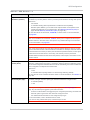
Important: Do not disconnect the AirLink device from the computer, and do not power
cycle or reset the device during the update. If you see any error messages, refer to the
Updating the ALEOS Software and Radio Module Firmware on page 386.
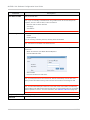
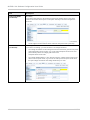
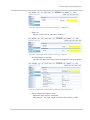
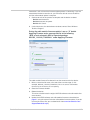
6. Depending on the version of ALEOS you are updating to, ALEOS may check
the radio module firmware and prompt you if it needs to be updated.
If you do not receive a prompt, the radio firmware is up to date. Proceed to
step 9.
If you are prompted to update the firmware, proceed to step 7.
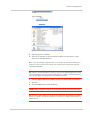
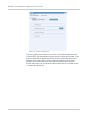
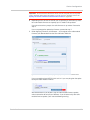
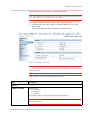
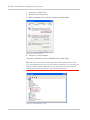
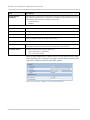
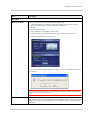
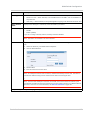
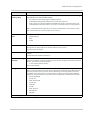
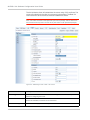
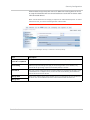
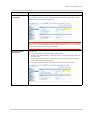
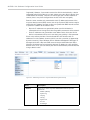
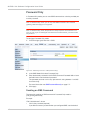
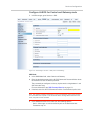
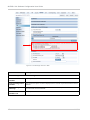
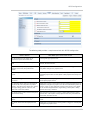
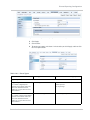
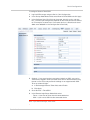
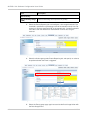
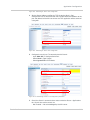
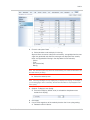
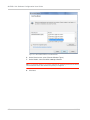
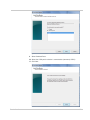
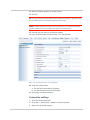
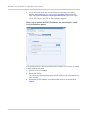
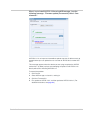
7. Under Applying Firmware, click Browse... and navigate to the radio module
firmware you downloaded from the Sierra Wireless Web site.
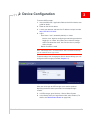
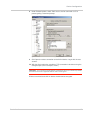
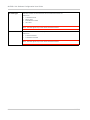
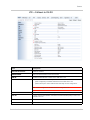
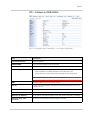
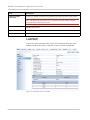
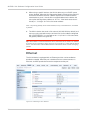
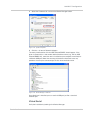
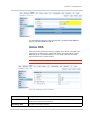
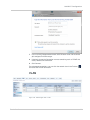
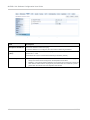
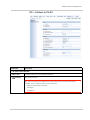
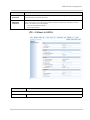
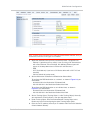
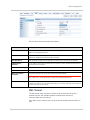
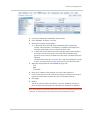
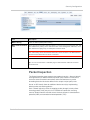
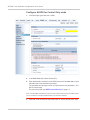
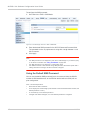
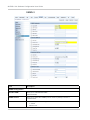
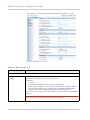
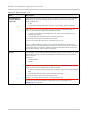
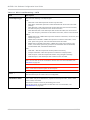
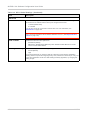
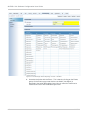
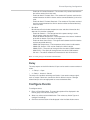
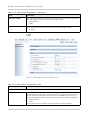
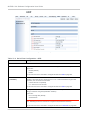
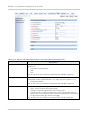
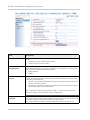
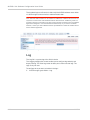
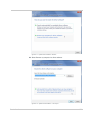
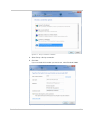
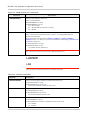
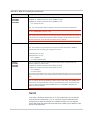
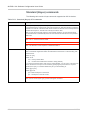
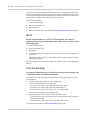
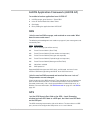
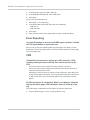
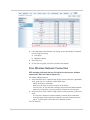
Figure 2-19: ALEOS software update in progress, prompt to update radio module firmware
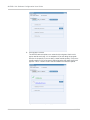
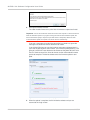
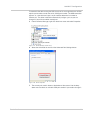
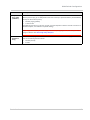
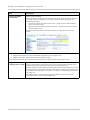
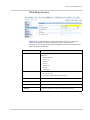
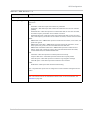
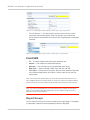
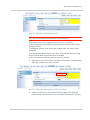
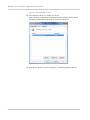
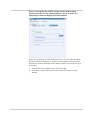
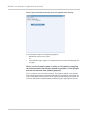
If you are updating from ALEOS 4.3.4 to 4.3.4-I, you may be given the option
to skip the radio module firmware.
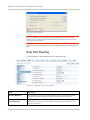
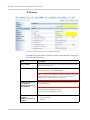
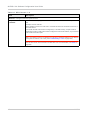
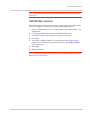
We recommend that you do NOT skip the radio module firmware update
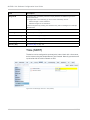
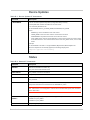
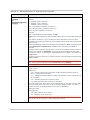
unless advised to do so by Sierra Wireless. If you choose to skip the radio
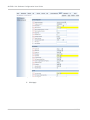
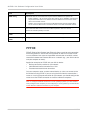
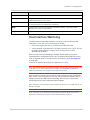
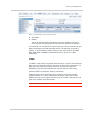
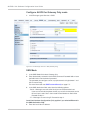
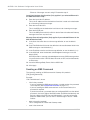
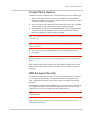
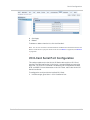
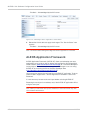
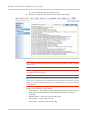
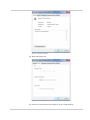
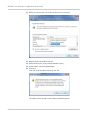
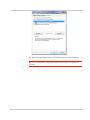
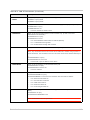
module firmware update, you’ll see the following warning.
Rev 1 Oct.13
35