1
Playing the Demonstration Tunes
Piano Song A-B Repeat
The A-B Repeat function can be used to continuously repeat a
specified phrase within a piano song. Combined with the Part Cancel
function described below, this provides an excellent way to practice
difficult phrases.
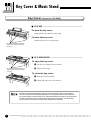
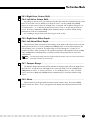
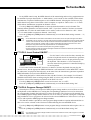
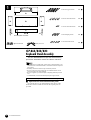
Specify the Beginning (A) of the Phrase ..............................
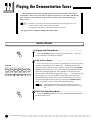
FUNCTION
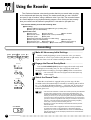
Select and play a piano song, then press the [FUNCTION] button at
the beginning of the phrase you want to repeat. This sets the “A” point
(“A-” will appear on the display).
To set the “A” point at the very beginning of the song, press the
[FUNCTION] button before starting playback.
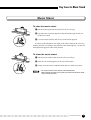
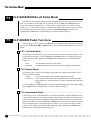
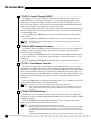
Specify the End (B) of the Phrase ...............................................
FUNCTION
RECORDER
1
2
START/
STOP
REC
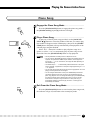
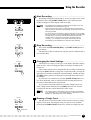
Press the [FUNCTION] button a second time at the end of the
phrase. This sets the “B” point (“A-b” will appear on the display). At
this point repeat playback will begin between the specified A and B
points.
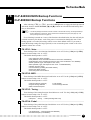
Stop Playback ....................................................................................................
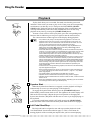
Press the [START/STOP] button to stop playback while retaining
the specified A and B points. A-B repeat playback will resume if the
[START/STOP] button is then pressed again.
To cancel the A and B points press the [FUNCTION] button once.
NOTE
• The A and B points are automatically canceled when a new song is
selected.
• The A-B Repeat function cannot be used during “ALL” or “rnd” playback.
14
CLP-880/860/840/820/820S
○ ○ ○ ○ ○ ○ ○ ○ ○ ○ ○ ○ ○ ○ ○○○○○○○○○○○○○○○○○○○○○○○○○○○○○○○○○○○○