1
Tips for Editing Text
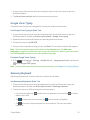
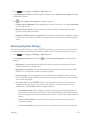
These tips allow you to cut or copy selected text and paste it into a separate selected area.
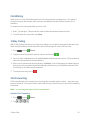
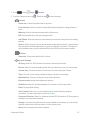
1. In a text entry field, double-tap the text.
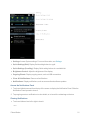
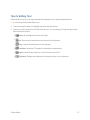
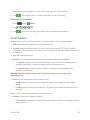
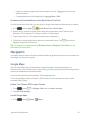
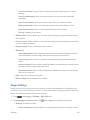
2. Touch and drag the sliders to highlight and select the desired text. 3. Tap an on-screen option from the Edit text menu bar. You can drag your finger along the menu bar to see all the options: l
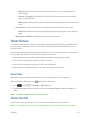
Select all: Highlights all the text in the field. l
Cut: Removes the selected text and saves it to the clipboard.
l
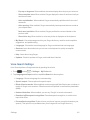
Copy: Copies the selected text to the clipboard.
l
Translate: Launches S Translator to translate the selected text.
l
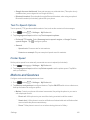
Paste: Inserts the last copied or cut text into the current field.
l
Clipboard: Displays the clipboard to choose previously cut or copied text.
Phone Basics
27