1
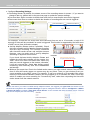
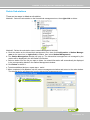
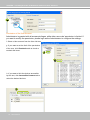
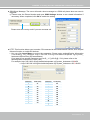
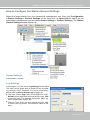
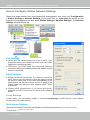
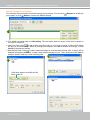
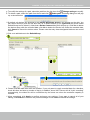
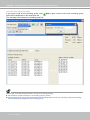
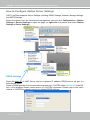
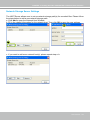
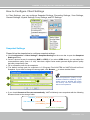
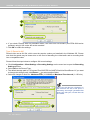
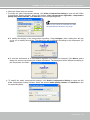
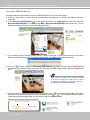
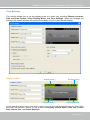
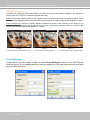
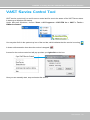
VIVOTEK - A Leading Provider of Multimedia Communication Solutions How to Configure Station Network Settings Select the target station from the hierarchical management tree, then click Configuration > Station Settings > Network Settings on the menu bar (or right-click the station on the hierarchical management tree and select Station Settings > Network Settings). The Network Settings window will pop up. Port Settings Server port: The default server port is set to 3454. If you change the server port, please enter the new value while logging the LiveClient next time. RTSP port: The RTSP (Real-Time Streaming Protocol) controls the delivery of streaming media. By default, the port number is set to 554. UPnP Settings Enable UPnP port forwarding: For client to access the VAST Server from the Internet, select this option to allow the server to open ports on the router automatically so the video streams can be sent out from a LAN. To utilize of this feature, make sure that your router supports UPnPTM and it is activated. Enable UPnP presentation: If you select this option, shortcuts to VAST Server will be listed in My Network Places. Proxy Settings In this section, you can enable, modify, or cancel Proxy Settings for VAST Server if your network devices are set up under a proxy. Web Access Settings User can access VAST LiveClient and Playback via Internet web browser (http://IP address:3454 ). For local host --> http://127.0.0.1:3454. 78 - User's Manual