1
00840J VP-D451 UK+ESP ~025
4/8/05 9:18 AM
Page 21
ENGLISH
ESPAÑOL
Ofrecido por www.electromanuales.com
Preparation
Preparación
Using the Lithium Ion Battery Pack
Utilización de la batería de iones de litio
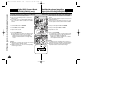
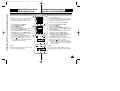
✤ The amount of continuous recording time available depends on.
- The type and capacity of the Battery pack you are using.
- How often the zoom function is used.
It is recommended that you have several batteries available.
✤
- El tipo y la capacidad de la batería que utilice.
- La frecuencia con que se emplee el zoom.
Es aconsejable disponer de varias baterías.
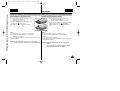
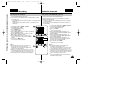
Charging the Lithium Ion Battery Pack
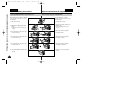
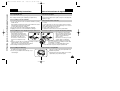
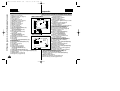
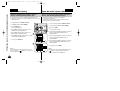
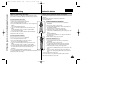
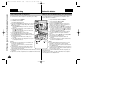
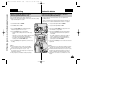
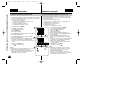
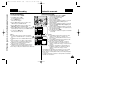
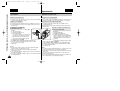
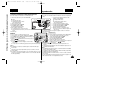
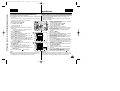
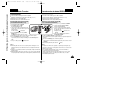
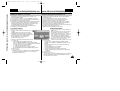
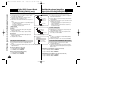
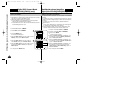
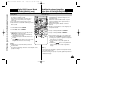
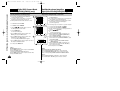
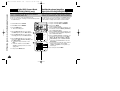
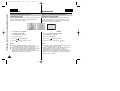
1. Attach the Battery pack to the Camcorder.
2. Connect the AC Power adapter to an AC Cord and
connect the AC Cord to a wall socket.
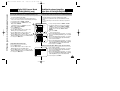
3. Connect the DC cable to the DC jack socket on the
Camcorder.
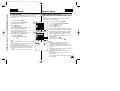
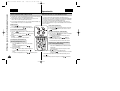
4. Turn the Power switch to OFF, and the charging
indicator will start to flash, showing that the battery is
charging.
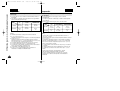
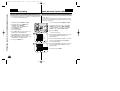
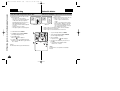
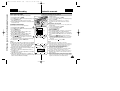
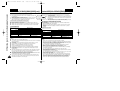
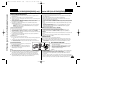
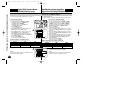
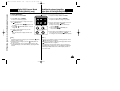
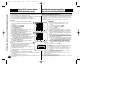
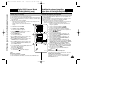
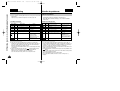
Blinking time
Once per second
Twice per second
Three times per second
Blinking stops and stays on
On for a second and off for a second
El tiempo disponible de grabación continuada depende de:
Cómo cargar la batería de iones de litio
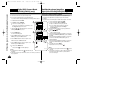
Power Switch
Charging rate
Less than 50%
50% ~ 75%
75% ~ 90%
90% ~ 100%
Error - Reset the Battery pack and the DC cable
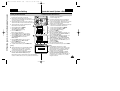
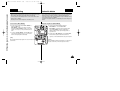
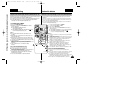
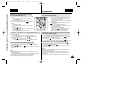
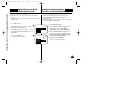
5. When the battery is fully charged, disconnect the Battery pack and the AC
Power adapter from the Camcorder.
4
Even with the Power switched OFF, the Battery pack will still
discharge.
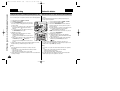
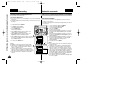
1. Conecte la batería a la videocámara.
2. Conecte el adaptador de CA al cable de CA y
conecte este último a una toma de corriente.
3. Conecte el cable de CC al conector de CC de la
videocámara.
4. Coloque el interruptor Power de la videocámara en la
posición OFF. El indicador de carga empezará a
parpadear, lo que indica que la batería se está cargando.
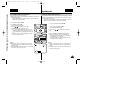
Frecuencia de parpadeo
Velocidad de carga
Una vez por segundo
Menos del 50%
Dos veces por segundo
50% ~ 75%
Tres veces por segundo
75% ~ 90%
Deja de parpadear y queda encendido 90% ~ 100%
Encendido durante un segundo y Error - repita la operación de
apagado durante un segundo
conexión de la batería y el cable de CC
5. Cuando la batería esté completamente cargada, desconéctela
de la videocámara y desconecte también el adaptador de CA.
Incluso apagada, la batería se descargará.
[ Notes ]
[ Notas ]
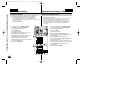
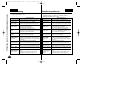
■ The Battery may contain a slight charge at the time of purchase.
■ Es posible que la batería esté un poco cargada en el momento
■ To prevent reduction in the life and capacity of the Battery pack,
de la compra.
always remove it from the Camcorder after it is fully charged.
■ Para evitar que la vida útil de la batería y su capacidad se
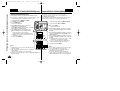
< Charging indicator>
■ The amount of continuous recording time available depends on:
reduzcan, quítela siempre de la videocámara una vez que esté
completamente cargada.
- The type and capacity of the Battery pack you are using.
■ El tiempo disponible de grabación continuada depende de:
- How often the zoom is used.
- El tipo y la capacidad de la batería que utilice.
- Type of use (Camcorder/Camera/With LCD screen etc.).
- La frecuencia con que se emplee el zoom.
- Ambient temperature.
- Tipo de uso (videocámara / cámara / con pantalla LCD, etc.).
It is recommended to have additional battery packs available.
- Temperatura ambiental.
■ Even when the Power switched Off, the Battery pack will still discharge if it is
Se recomienda tener disponible una batería adicional.
left attached to the device.
■ Incluso en el caso de que se deje apagado el interruptor de encendido,
21
la batería se seguirá descargando si se deja acoplada al dispositivo.