1
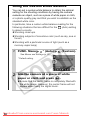
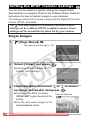
Setting the DPOF Transfer Settings
You can use the camera to specify settings for images before
downloading to a computer. Refer to the Software Starter Guide for
instructions on how to transfer images to your computer.
The settings used on the camera comply with the Digital Print Order
Format (DPOF) standards.
The
icon may display for a memory card with transfer
settings set by a different DPOF-compliant camera. These
settings will be overwritten by those set by your camera.
Single Images
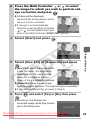
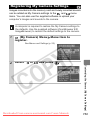
1
(Play) Menu
.
See Menus and Settings (p. 22).
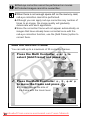
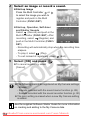
2
Select [Order] and press
.
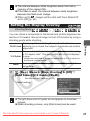
z Selecting [Reset] cancels all
transfer order settings.
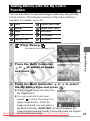
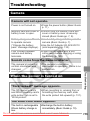
3
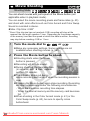
Press the Multi Controller
or
an image to transfer and press
z Pushing in the Multi Controller
(FUNC./SET) again deselects the
setting.
z You can also select images in the
index playback mode.
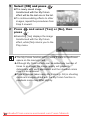
to select
.
Transfer Selection
Downloaded From camera-usermanual.com Canon Manuals
110