1
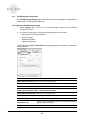
14.5 REGEDIT
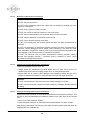
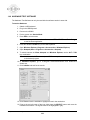
You may need to change some settings in the registry.
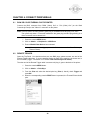
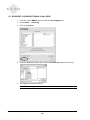
1. To get to the registry, click on the Windows START key on the USB keyboard.
2. Click on Run.
3. Type regedit and press ENTER.
4. In the registry, go to HKEY_CURRENT_USER > Software > Ultrasonix > Exam >
Settings.
Note: Make the necessary settings changes here when advised by an Ultrasonix
Technical Support Representative.
SONIX Service Manual
SSM – 001, Revision F
Chapter 14: Troubleshooting
121