1
Chapter 4: Navigation Tips · Page 183
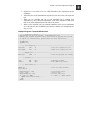
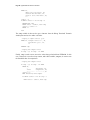
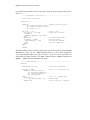
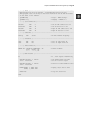
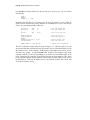
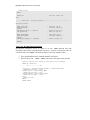
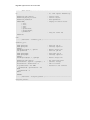
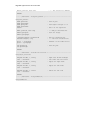
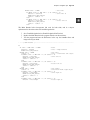
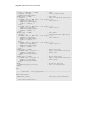
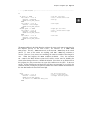
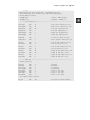
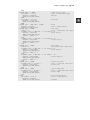
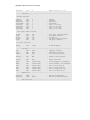
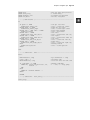
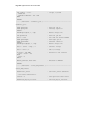
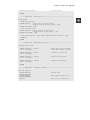
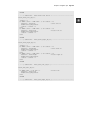
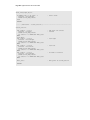
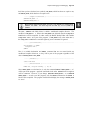
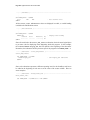
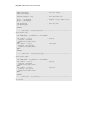
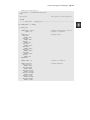
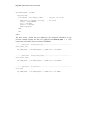
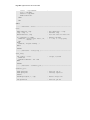
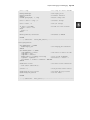
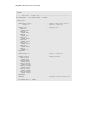
' Pause between pulses (remove when using IR object detectors + QTIs).
PAUSE 20
RETURN
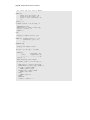
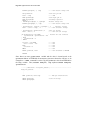
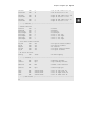
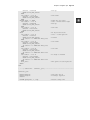
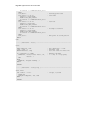
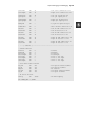
' -----[ Subroutine - Read_Line_Sensors ]------------------------------------Read_Line_Sensors:
HIGH qtiPwrLeft
HIGH qtiPwrRight
HIGH qtiSigLeft
HIGH qtiSigRight
PAUSE 1
' Turn on QTIs
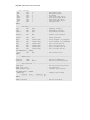
READ QtiThresh, Word temp
' Get threshold time
INPUT qtiSigLeft
INPUT qtiSigRight
' Start the decays
PULSOUT DummyPin, temp
' Wait threshold time
qtiLF = ~qtiSigLeft
qtiRF = ~qtiSigRight
' Snapshot of QTI signal states
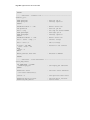
LOW qtiPwrLeft
LOW qtiPwrRight
' Turn off QTIS
' Push signal voltages to 5 V
' Wait 1 ms for capacitors
RETURN
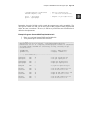
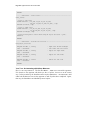
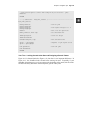
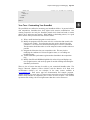
Your Turn - Looking Around at the Start and Designing a Search Pattern
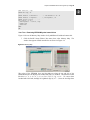
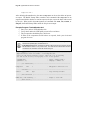
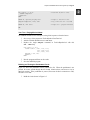
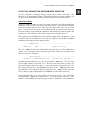
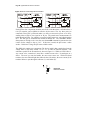
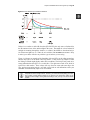
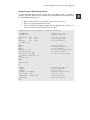
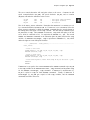
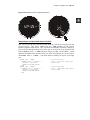
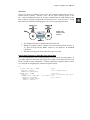
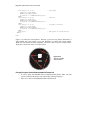
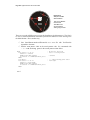
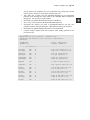
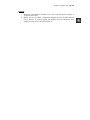
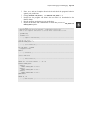
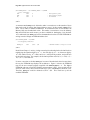
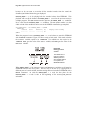
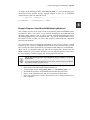
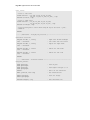
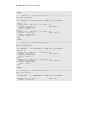
Figure 4-13 is almost identical to Figure 4-12, but there is one important difference. In
Figure 4-13, the SumoBot looks around before moving forward. Especially if your
SumoBot doesn't happen to see its opponent at the beginning of the match, this first lookaround could easily determine which competitor gets the Yuko point.