1
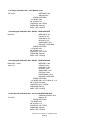
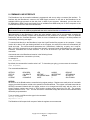
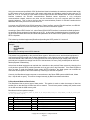
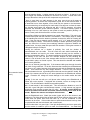
Example: SETTIME HOURS 18
Current time is:
Sun 2008 Apr 02
09:36:12
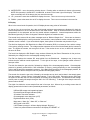
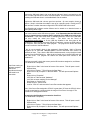
All the user has to do after that is enter the information in ASCII form. The following is an example of setting
the hours.
SETTIME HOURS 14
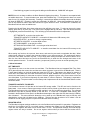
The Bloodhound will respond with the new date
Current time is:
Sun 2008 Apr 02 14:36:12
NOTE: Please use the 24 hour time format
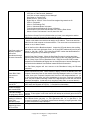
ECHO
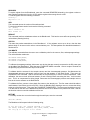
This command turns the echo on and off to the unit. The unit boots up with echo off as the default. Echo is
the return of the characters that you have typed through the return serial path and also all error messages.
The echo can be turned on by entering the command:
ECHO ON [ENTER]
To turn the echo off, just enter the command:
ECHO OFF [ENTER]
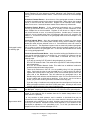
LINK
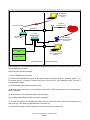
Within the Bloodhound, there are multiple serial ports that connect to multiple optional modules. These
optional modules are all controlled serially from the Bloodhound computer. When the user wants to directly
connect the PC serial port to one of the serially controlled modules, or one module to another, the LINK
command is used. Simply put, the link command links the communications port that you are using to any one
of the other optional serial modules inside the Bloodhound.
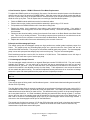
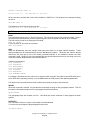
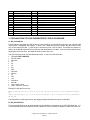
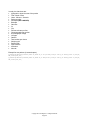
Valid link commands are:
Link GPS[ENTER]
Link USB[ENTER]
Link MODEM[ENTER]
Link WITS[ENTER]
Link PC[ENTER]
Link HRM[ENTER]
Link ETHERNET[ENTER]
For example, this allows the user to link from a remote location using the 3G modem to the WITS serial port to
see if WITS data is operating correctly, or to the HRM module to modify some of the operating parameters.
The details of the communications to these modules are beyond the scope of this document.
GEOHIT
When this command is entered, it is the same as momentarily shorting out the geolograph contacts. This will
increase the foot depth the same as if the geolograph contact switch was hit.
GEOHIT[ENTER]
The geolograph depth will increase one foot. This allows the remote technician to help diagnose a switch
problem.
SETDEPTH
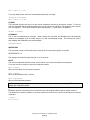
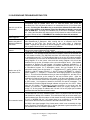
This command will return or set the current depth on the Bloodhound.
To receive the current depth of the geolograph counter enter:
>Setdepth[ENTER]
Copyright 2014 Carl Bright Inc. All Rights Reserved
Page 28