1
Chapter 3. LCD Panel Configuration
card itself, must be assigned a unique fibre ID number. A Fibre channel can
connect up to 128(0 to 127) devices. The RAID subsystem is as a large Fibre
device. We should assign an LUN base from a list of Fibre LUN Base.
Fibre LUN: Each Fibre LUN base can support up to 8 LUNs. Most Fibre
Channel host adapter treats each LUN like a Fibre disk.
3.7.3.1.8 Tag Queuing
The Enabled option is useful for enhancing overall system performance under
multi-tasking operating systems. The Command Tag (Drive Channel) function
controls the SAS command tag queuing support for each drive channel. This
function should normally remain enabled. Disable this function only when using
older SAS drives that do not support command tag queuing.
3.7.3.1.9 Initialization Mode
Press ENT to define “FGrnd Init (Foreground initialization)” or press ESC to
define “BGrnd Init (Background initialization)“. When “FGrnd Init", the
initialization proceeds must be completed before the volume set ready for
system accesses. When “BGrnd Init", the initialization proceeds as a
background task, the volume set is fully accessible for system reads and writes.
The operating system can instantly access to the newly created arrays without
requiring a reboot and waiting the initialization complete.
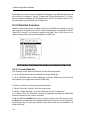
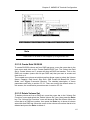
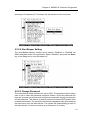
3.7.3.2 Delete Volume Set
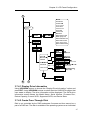
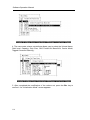
Choose the "Delete Volume Set" option. Using UP/DOWN buttons to select the
raid set number that user want to delete and press ENT. The confirmation
screen appears, then press ENT to accept the delete volume set function. The
double confirmation screen appears, then press ENT to make sure of the delete
volume set function.
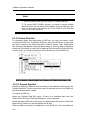
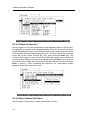
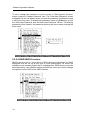
3.7.3.3 Modify Volume Set
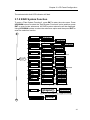
Use this option to modify volume set configuration. To modify volume set
attributes from RAID set system function, press up and down arrow to choose
the “Modify Volume Set Attribute” option. Using UP/DOWN buttons to select the
RAID set number that user want to modify and press ENT.
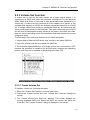
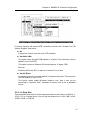
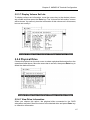
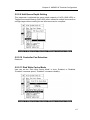
Press ENT to select the existed volume set attribute. The volume set attributes
screen shows the volume set setting configuration attributes that was currently
being configured. The attributes are Raid Level, Stripe Size, Cache Mode, SAS
Port/ SAS LUN Base/SAS LUN, Fibre Port/Fibre LUN Base/Fibre LUN, and
Tagged Queuing and Volume Name (number). All value can be modified by user.
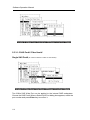
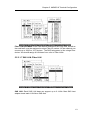
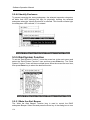
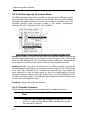
Press the UP/DOWN buttons to select attribute. Press ENT to modify the default
value. Using the UP/DOWN buttons to select attribute value and press the ENT
to accept the selection value. Choose this option to display the properties of the
selected volume set.
45