1
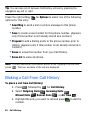
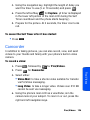
Tip: When in the Idle screen, you can also press the
key to show
your recent calls. Highlight the entry you want to call and press
to
dial the number.
Note: You cannot make calls from Call History to entries identified as
Unknown or Restricted.
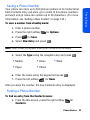
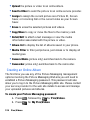
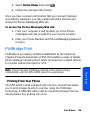
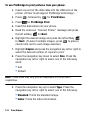
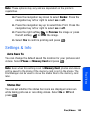
Saving a Phone Number From Call History
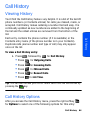
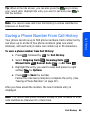
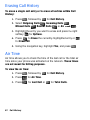
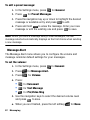
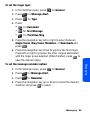
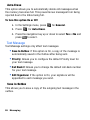
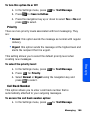
To save a phone number from Call History:
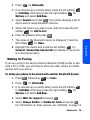
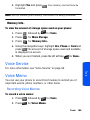
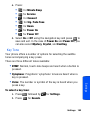
1. Press
, followed by
for Call History.
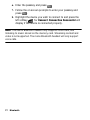
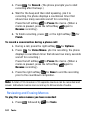
2. Select Outgoing Calls
, Incoming Calls
,
Missed Calls
, Recent Calls
, or Air Time
.
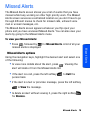
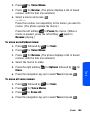
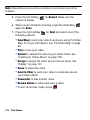
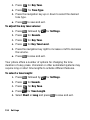
3. Highlight the entry you want to save and press the right
softkey
for Options.
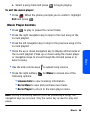
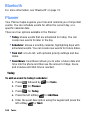
4. Press
to Save the number.
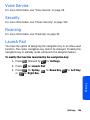
Follow the onscreen prompts to complete the entry. (See
"Saving a Phone Number" on page 22.)
After you have saved the number, the new Contacts entry is
displayed.
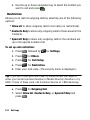
Note: You cannot save phone numbers already in your Contacts or from
calls identified as Unknown ID or Restricted.
Call History
66
Call History
Your phone can store up to 500 phone numbers. Each contact entry
can store up to a total of five phone numbers (plus one email
address), and each entry’s name can contain up to 20 characters.