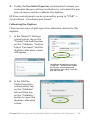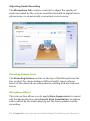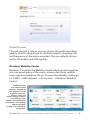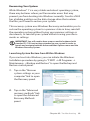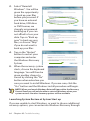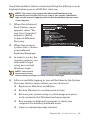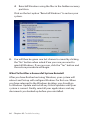
1
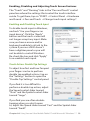
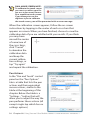
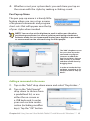
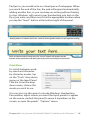
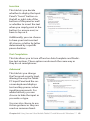
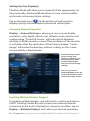
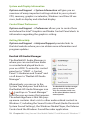
mode: “Single
Display” uses
only one monitor,
“Clone Display”
will show the same
desktop view on
both monitors, or
“Extended Desktop” to use both
monitors as one big
desktop space.
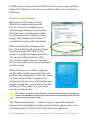
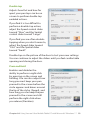
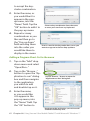
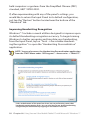
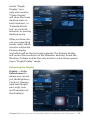
After you have chosen your operating
mode, select which
monitor will be the
Primary display
and which will be the Secondary display. The Primary display
will control the resolution of the Windows desktop, house the
Windows Taskbar and be the only monitor active when operating in “Single Display” mode.
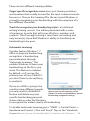
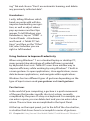
Enhancing the Display
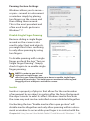
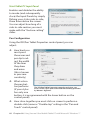
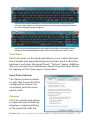
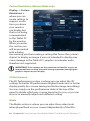
Display g Color
Enhancement is
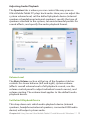
where you can adjust the Brightness,
Contrast, Gamma
(mid-level brightness only), Hue
and Saturation of
the display(s).
Chapter 04: Using Your eo Ultra-Mobile Tablet PC with Microsoft® Windows® 7 67