1
First access to network camera
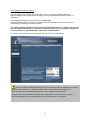
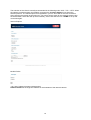
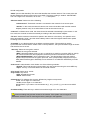
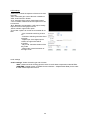
The first access to the network camera should be done by using the Installation Wizard 2.
After the startup of this tool the wizard will search for any connected Eyseo network camera or
videoserver.
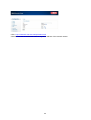
The Standard IP address of the videoserver is 169.254.0.99.
If there is a DHCP server running on the network then the IP address assignment will be done
automatically, regarding your network stucture.
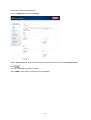
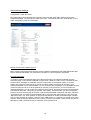
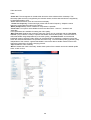
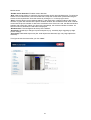
The network adapter parameters of thenetwork camera like IP address or subnet mask you can
directly change under [Home / Configuration / Network], and so you can adapt the videoserver
to your network (e.g. IP=192.168.0.99 / subnet mask = 255.255.255.0).
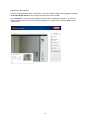
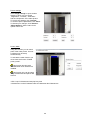
To connect to the network camera just double click the list entry on the result list.
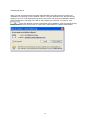
After the start of the Installation wizard 2 the tool might add a virtual IP address to the current
network settings of the PC. It depends whether DHCP in your network is activated or not.
After shut down of the Installation wizard 2 this virtual IP address will be removed.
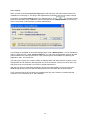
Using this virtual IP address the first access and configuration process will be much easier. A
manual configuration of the network adapter of the PC is therefore not necessary.
8