1
Navigating the Configuration Menus
Navigating the Configuration Menus
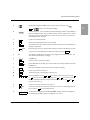
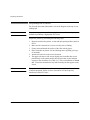
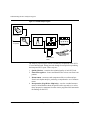
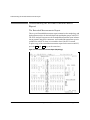
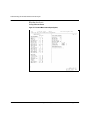
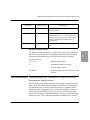
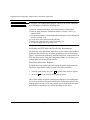
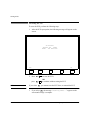
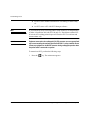
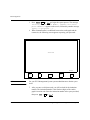
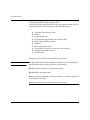
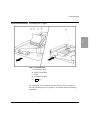
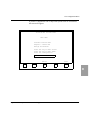
When you need to change the cardiograph configuration, use the following
techniques:
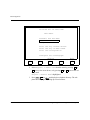
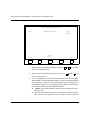
1. To select from a menu, press
press
or
or
to move the cursor down, or
to move the cursor up until the desired menu line is high-
lighted. Then press Select ( ) ) or
to display the selected item.
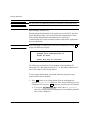
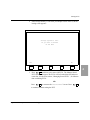
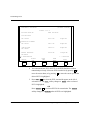
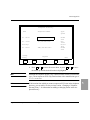
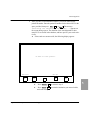
2. To select a field on a data entry screen, press
sor down, or press
or
or
to move the cur-
to move the cursor up until the desired
entry line is highlighted. When you leave a line or press 6WRS or Exit
( ) ), the data is recorded.
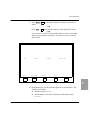
3. To change a field, select ) to step through the choices available.
Depending on the entry line you selected, ) will be labeled Change ,
ChangeValue , Change Format , Change Speed ,
or Change Lead .
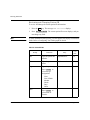
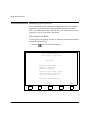
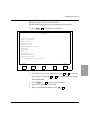
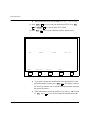
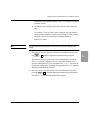
4. To change or erase data on the Miscellaneous or Date/Time menus, press
the %DFN key to erase characters to the left or press Erase ( ) ) and type
the new data.
5. To exit the Configuration menu, press 6WRS or Exit ( ) ).
PageWriter 200/300pi M1771A/1770A Cardiograph
B-7
B