1
Hardware-specific debugging
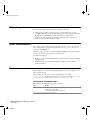
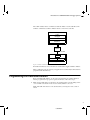
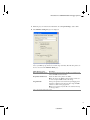
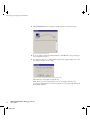
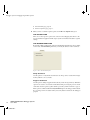
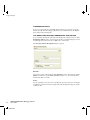
The Break Condition dialog box appears.
Figure 18: The Break Condition dialog box
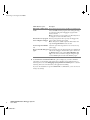
Press the Edit button to specify the break conditions. Refer to the user documentation
supplied with the target system for information about the break condition settings.
THE BREAKPOINT USAGE DIALOG BOX
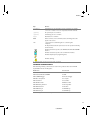
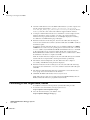
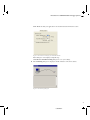
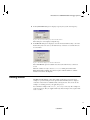
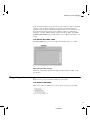
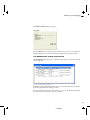
The Breakpoint Usage dialog box—available from the driver-specific menu—lists all
active breakpoints.
Figure 19: The Breakpoint Usage dialog box
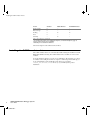
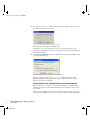
In addition to listing all breakpoints that you have defined, this dialog box also lists the
internal breakpoints that the debugger is using.
For each breakpoint in the list the address and access type are shown. Each breakpoint
in the list can also be expanded to show its originator.
23
CSE8E10-2