1
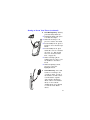
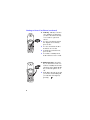
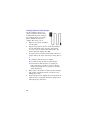
5GVVKPIVJG.CPIWCIGQHVJG&KURNC[
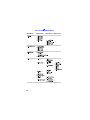
Your phone allows you to view menus, messages and prompts
in either English or French. It’s quick, easy, and very convenient
for bilingual families or friends. Here’s how to do it:
1.
Press
to display the Main Menu.
2.
Press
for Display.
3.
Press
for Language.
4.
Choose English or French and press
to save the
setting. The change is immediate and affects all menus,
messages, and display prompts.
#NCTO
When your phone is turned on, you can set the 24-hour alarm
to sound an alert at a set time. In addition to functioning as a
normal alarm clock, the alarm can also be used to remind you
to call a certain person or phone number. Keep in mind that if
your phone is off at the alarm set time, the alarm will not
sound.
Note: In order for the alarm to work, the phone must be on,
and you must be in your Home PCS network or another CDMA
provider’s service area.
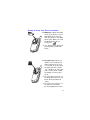
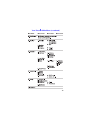
5GVVKPIVJG#NCTO
1.
Press
to display the Main Menu.
2.
Press
for Sounds.
3.
Press
for Alarm.
Press
for Set.
4.
♦ If the alarm is already set, the screen displays the set
time and provides the option of overwriting the current
setting. Press
to overwrite the current setting.