1
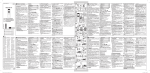
QUICK PROGRAMMING FOR TELIS 6 CHRONIS RTS
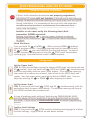
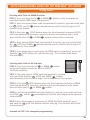
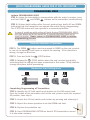
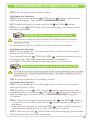
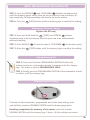
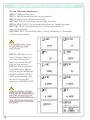
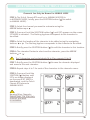
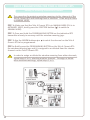
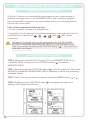
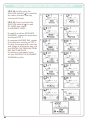
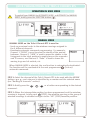
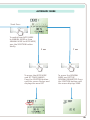
STEP 18: Briefly press the
SELECTION button ( ) to confirm
the order selected: the day
concerned flashes.
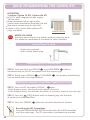
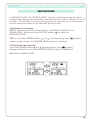
STEP 19: Press and hold the
SELECTION button ( ) to exit
SET MODE and return
to AUTOMATIC MODE.
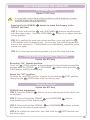
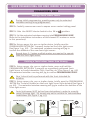
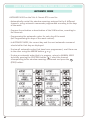
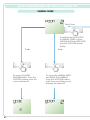
-To modify another AUTOMATIC
COMMAND, repeat the procedure
starting at STEP 1.
-To program ANOTHER DAY, repeat
the procedure starting at STEP 1
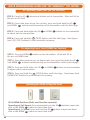
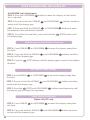
-To copy the program for one day
and assign it to another day, see
the COPYING THE PROGRAM FROM
ONE DAY TO ANOTHER
-To delete an automatic order,
see the DELETING THE AUTOMATIC
COMMAND section.
81