1
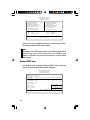
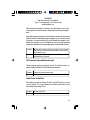
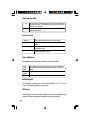
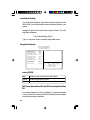
Enter your choice, and press <Enter> to accept the parameters or press
<Esc> to abort. The parameters of the hard disk will be displayed in the
Standard CMOS Setup.
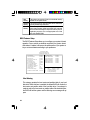
Hard Drive Mode
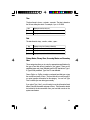
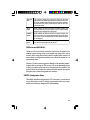
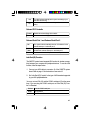
The system board supports three HDD modes: Normal, LBA and Large.
If your hard disk drive does not support LBA mode, the “LBA”option will
not be displayed. If your HDD has 1024 or fewer cylinders, the “Large”
option will not be displayed. If your hard drive is larger than 2.1GB, be
sure that your operating system supports it or you may need to create
separate partitions.
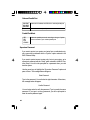
Normal Mode
Normal mode is the generic access mode in which neither the BIOS nor
the IDE controller will make any transformations during hard drive
access.
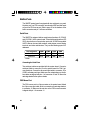
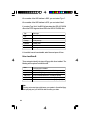
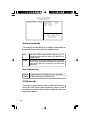
The maximum number of cylinders, heads and sectors for Normal mode
are 1024, 16 and 63, respectively.
no. Cylinders
x no. Heads
x no. Sectors
x bytes per sector
(1024)
( 16)
( 63)
( 512)
528 megabytes
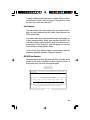
If you set your HDD to Normal mode, the maximum accessible HDD will
be 528 megabytes even though the physical size of the HDD may be
greater than that.
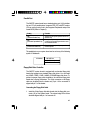
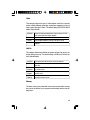
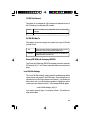
LBA (Logical Block Addressing) Mode
LBA mode is a HDD accessing method to overcome the 528 megabyte
limitation. The number of cylinders, heads and sectors shown on the
screen may not be the actual number for the HDD.
50