1
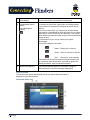
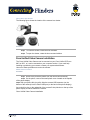
Step 3 If a programmable feature button is set up by your system administrator to
answer calls, you can press the feature button to answer a ringing call, regardless of
the line of the call or the line that is currently visible. The phone automatically
switches the line to display the call.
Conference
Conference allows you to talk simultaneously with multiple parties in an ad hoc
meeting.
When you are talking on a call, use Conference to dial another party and add them
to the call.
If you have multiple phone lines, you can alternately use Conference to combine two
calls across two lines. For example, if you have a call on Line 1 and a call on Line 2,
you can combine the calls into a conference.
As the conference host, you can remove individual participants from the conference.
The conference ends when all participants hang up.
Add Party to Call to Create Conference Procedure Startwithaconnected
callthatis notonhold
Step 1
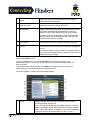
PresConference
anddooneof thefollowing:
Step 2
Join Calls into Conference
•
Enter the phone number for the party you want to add and
press Call.
•
Press a speed-dial button.
•
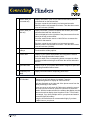
Press Speed Dial, enter a speed-dial number and press
Speed Dial again.
•
Press Active Calls and select a call.
•
Select a call from the Call History.
Step 3 Wait for the party to answer (or skip to step 4 while the call is ringing).
Step 4 Press Conference.
The conference begins.
Join Calls into Conference The conference is established on the line that had the active call.
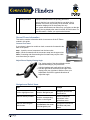
Procedure Step 1 Start with two connected calls.
Step 2 Make sure that one of the calls is active (not on hold). If both calls are
on hold, resume one call.
Step 3
Press Conference.