1
GL2 Menu
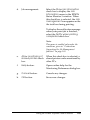
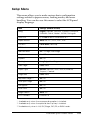
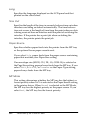
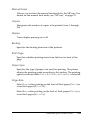
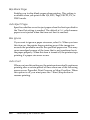
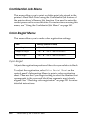
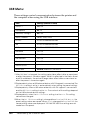
This menu lets you set the printer to emulate a plotter, allowing
you to use software which requires a plotter for output. The
LJ4GL2 mode is similar to the GL/2 mode supported in the HP
LaserJet 4 mode. The GLlike mode emulates some of the HP-GL
plotter commands and includes all the commands found in HP’s
GL/2 mode, as well as two additional commands.
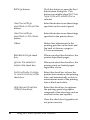
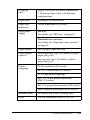
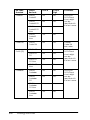
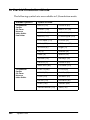
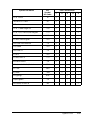
Item
Settings (default in bold)
GL Mode
LJ4GL2, GLlike
Scale
Off, A0, A1, A2, A3
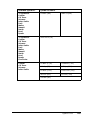
Origin
Corner, Center
Pen
Pen0, Pen1, Pen2*, Pen3*, Pen4*, Pen5*, Pen6*
End
Butt, Square, Triangular, Round
Join
Mitered, Miteredbeveled, Triangular, Round,
Beveled, None
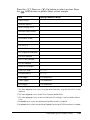
Pen 0 through 6
0.05 ... 0.35 ... 5.00 mm in 0.05-mm increments
B
B
B
B
B
B
* Available only when GLlike is selected as the GL Mode.
B
B
B
B
B
B
Functions of the Control Panel
365