1
ACK NAK Options
ACK NAK Options
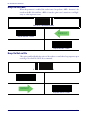
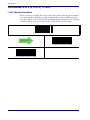
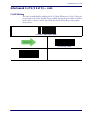
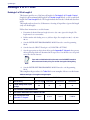
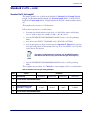
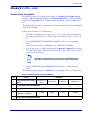
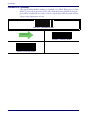
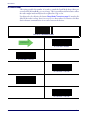
This enables/disables the ability of the reader to support the RS-232 ACK/NAK protocol. When configured, the reader and/or host sends an “ACK” when it receives data
properly, and sends “NAK” when the data is in error.
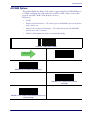
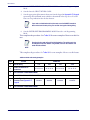
Options are:
•
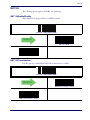
Disable
•
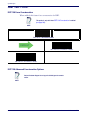
Enable for label transmission — The reader expects an ACK/NAK response from the host
when a label is sent.
•
Enable for host-command acknowledge — The reader will respond with ACK/NAK
when the host sends a command.
•
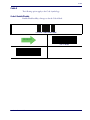
Enable for label transmission and host-command acknowledge
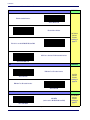
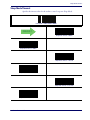
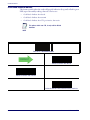
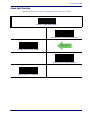
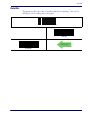
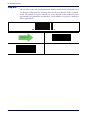
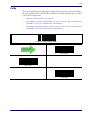
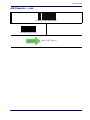
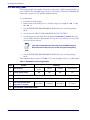
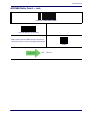
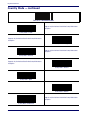
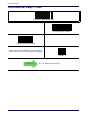
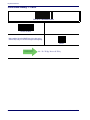
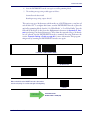
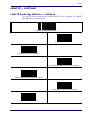
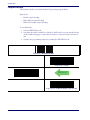
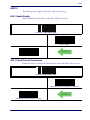
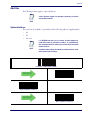
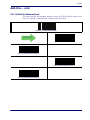
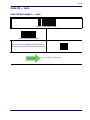
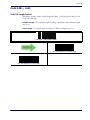
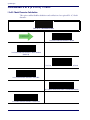
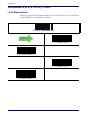
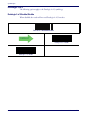
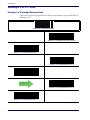
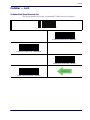
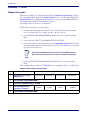
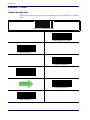
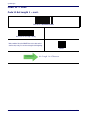
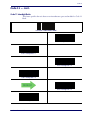
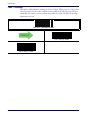
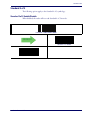
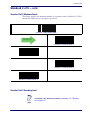
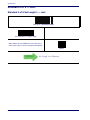
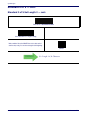
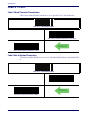
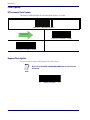
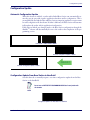
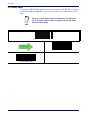
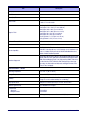
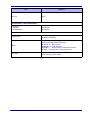
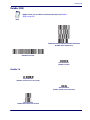
ENTER/EXIT PROGRAMMING MODE
DEFAULT
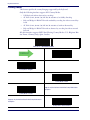
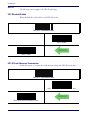
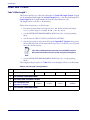
ACK/NAK Protocol = Disable ACK/NAK
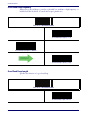
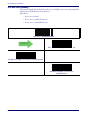
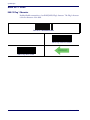
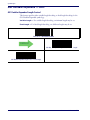
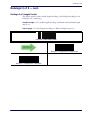
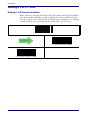
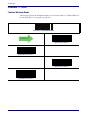
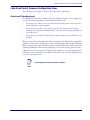
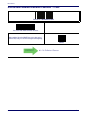
ACK/NAK Protocol = Enable for label transmission
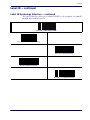
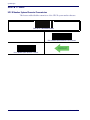
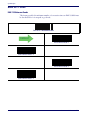
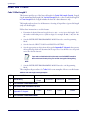
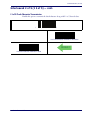
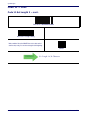
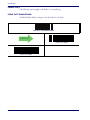
ACK/NAK Protocol = Enable for host-command
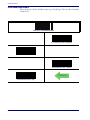
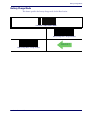
acknowledge
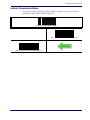
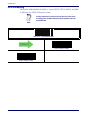
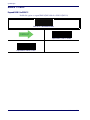
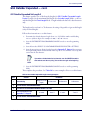
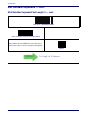
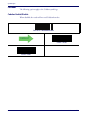
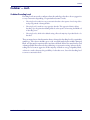
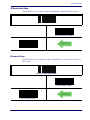
ACK/NAK Protocol = Enable for label transmission and host-command acknowledge
Product Reference Guide
57