1
introduction to the controls (2/2)
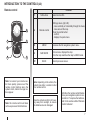
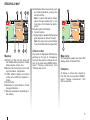
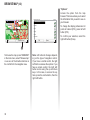
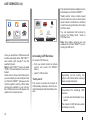
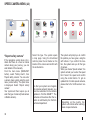
Remote control
Function
1
Soft buttons
A
4
1
Remote control
5
MENU
9
MAP-2D/3D
10
BACK
1
10
9
4
5
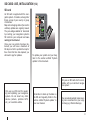
Note: to connect your remote control more quickly, press one of the
remote control buttons when the
system starts, before the legal notices appear.
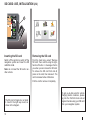
Note: the remote control unit does
not have press and hold functions.
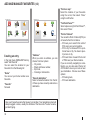
Select and confirm
Shift (up, down, right, left):
– move vertically or horizontally through the menu;
– move around the map.
Press the central button:
– confirm;
– displays the quick menu.
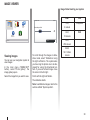
Accesses the full navigation system menu.
From a menu: displays the map
From the map: switches the map to 2D/3D mode.
Back to previous screen.
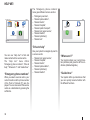
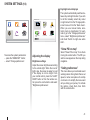
Note: depending on the vehicle, the
system has either a central control
or a remote control.
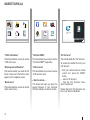
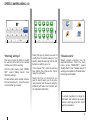
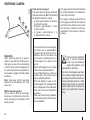
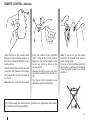
Store the remote control in its housing, away from sunlight, to ensure
the batteries are not damaged.
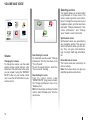
LED A on the remote control flashes
once your navigation system is connected to it. To replace the batteries,
refer to the section entitled “Remote
control: batteries”.
7