1
Motion Detection
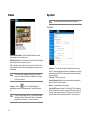
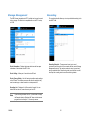
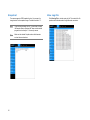
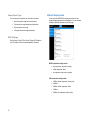
When motion detection is activated, the Motion pop-up window will
open.
Motion Detection allows the camera to detect motion and trigger alarms
when the motion level in the detected area exceeds the determined
sensitivity threshold value.
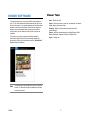
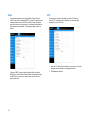
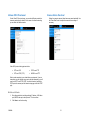
When motion is detected, the signals will be displayed on the Motion
window as shown below.
Motion Detection
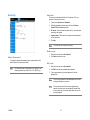
Turn motion detection on or off. The default setting is Off.
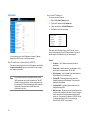
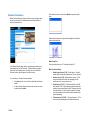
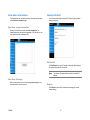
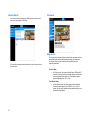
In the Motion Detection page, there is a motion detection window (red
box) displayed on the Live View Pane. The Motion Detection window
defines the motion detection area. To change the size of the Motion
Detection window, drag the edge of the frame to resize.
You can add up to 10 motion detection windows.
•
Click add under the Live View Pane to add a Motion Detection
window.
•
To delete a Motion Detection window, use the mouse to select
the frame and click delete.
31498AA
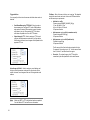
Motion Detection Setting
•
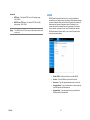
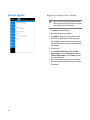
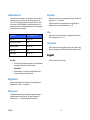
Sampling pixel interval [1-10] – Default value is 10, which
means system will take one sampling pixel for every 10 pixels.
•
Detection level [1-100] – Default detection level is 10. This
item sets the detection level for each sampling pixel; the
smaller the value, the more sensitive it is.
•
Sensitivity level [1-100] – The default sensitivity level is 80,
which means if 20% or more sampling pixels are detected as
changing, the system will detect motion. The bigger the value,
the more sensitive it is. As the sensitivity value is increased,
the red horizontal line in the motion indication window will be
lowered accordingly.
•
Time interval (sec) [0-7200] – The default interval is 10. The
value is the interval between each detected motion event.
23