1
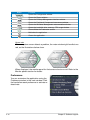
Other feature buttons
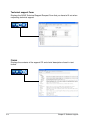
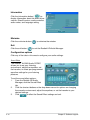
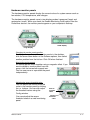
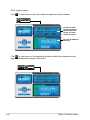
Click
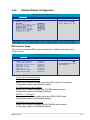
on right corner of the main window to open the monitor window.
Displays the CPU/
system temperature,
CPU/memory/PCIE
voltage, and CPU/
chassis fan speed
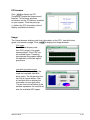
Displays the FSB/CPU
frequency
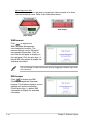
Click
on right corner of the expanded window to switch the temperature from
degrees Centigrade to degrees Fahrenheit.
5-22
Chapter 5: Software support