1
YEStablet 7375 User Guide—YESterm IP Terminal Emulation
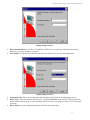
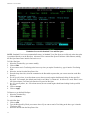
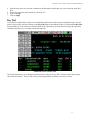
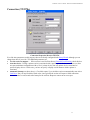
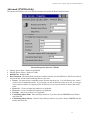
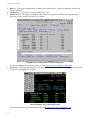
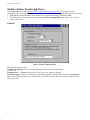
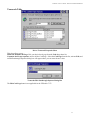
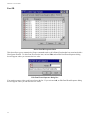
Display Emulation Screen with Advanced View and Hot Spots
•
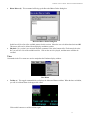
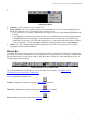
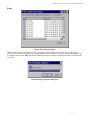
Standard (Not Recommended). This selection provides the standard green screen “text” appearance for your
session screens, duplicating terminal screens. Hot Spots are invisible unless the mouse cursor is placed over
one of them, and then only that one Hot Spot is visible. Obviously, operating within the Standard view can
become tedious if you have any custom Hot Spots or are unfamiliar with the default Function Key and Option
Hot Spots.
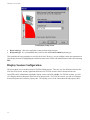
Display Emulation Screen with Standard View and Hot Spots
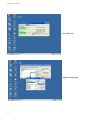
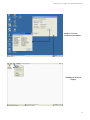
Either view can be overridden from the emulation screen Toolbars if desired.
31