1
How Do I Configure Multiple Mylex Controllers?
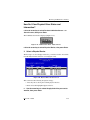
❑ Get Started.
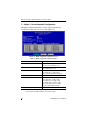
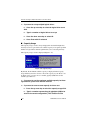
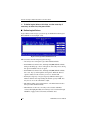
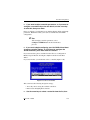
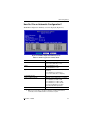
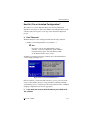
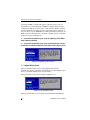
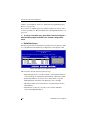
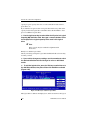
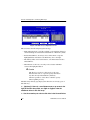
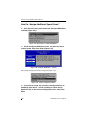
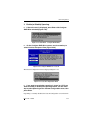
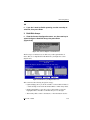
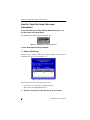
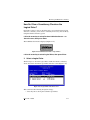
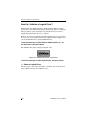
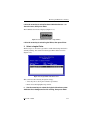
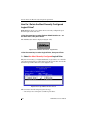
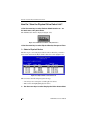
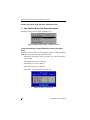
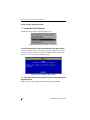
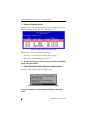
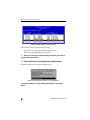
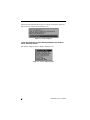
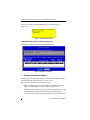
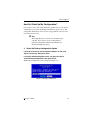
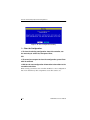
RAID EzAssist always starts by scanning for Mylex controllers and target
drives (Figure 1-28).
Figure 1-28. RAID EzAssist Scans for Controllers and Drives
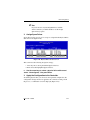
☞ Allow scanning to complete.
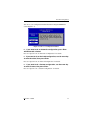
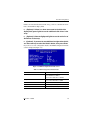
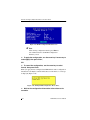
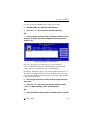
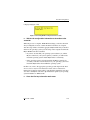
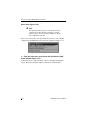
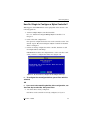
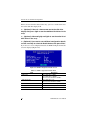
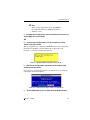
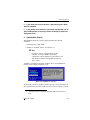
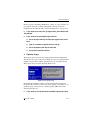
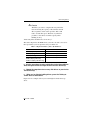
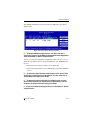
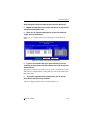
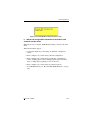
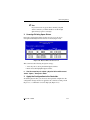
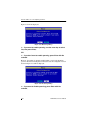
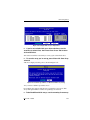
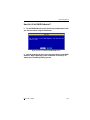
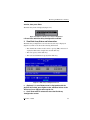
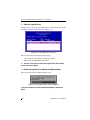
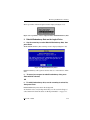
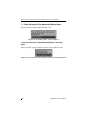
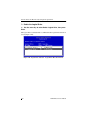
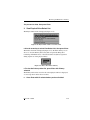
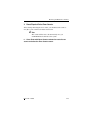
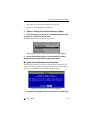
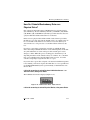
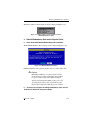
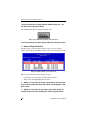
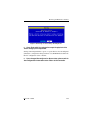
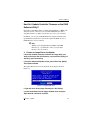
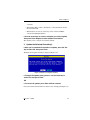
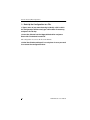
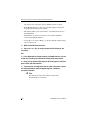
Since this is a first-time configuration, you’ll see a Notice (Figure 1-29).
Figure 1-29. No Existing RAID Configuration
“Would you like to configure a RAID drive now?”
The answer depends in part on whether you want to change any of the
default parameters and settings for this Mylex RAID Controller. If you are a
new or inexperienced user, the default settings will probably suit your needs
just fine, so you’ll answer Yes.
If you are an advanced user, now’s the time to change any controller
parameters that you wish-- before a RAID configuration is set on the
controller, so you’ll answer No.
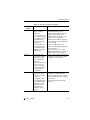
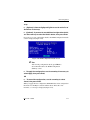
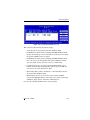
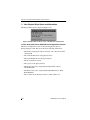
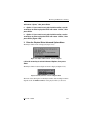
Also, if you answer YES to the question above and multiple controllers are
installed, RAID EzAssist will automatically select the FIRST controller that
has unconfigured drives (usually Controller 0). If you want to configure a
controller other than this, you’ll have to answer NO.
1-32
RAID EzAssist User’s Manual