1
PX200_e.book 13 ページ
2006年10月13日 金曜日 午後12時5分
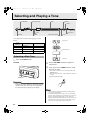
Playing a Rhythm
RHYTHM
TEMPO/SETTING
START/STOP
/NO
/YES
SYNCHRO/FILL-IN
INTRO/ENDING
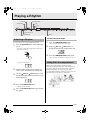
Selecting a Rhythm
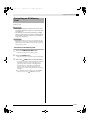
You can select from among 20 built-in rhythms.
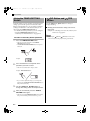
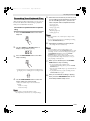
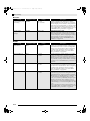
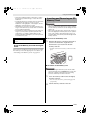
1.
Press the RHYTHM button so the lamp below
it is lit.
MODE
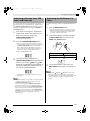
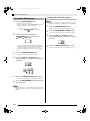
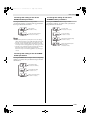
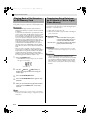
To adjust playback tempo
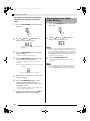
1.
Press the TEMPO/SETTING button.
• This will cause the button’s lamp to flash.
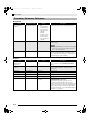
2.
Use the
/NO and
/YES buttons to
change the tempo in the range of 20 to 255.
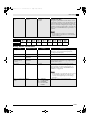
3.
Press the TEMPO/SETTING button again.
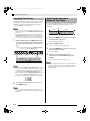
• Each press of the button toggles between the upper
lamp and lower lamp.
• This will cause the lamp above the button to go out.
• This will cause the currently selected rhythm number
to appear on the display.
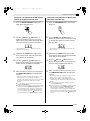
2.
Find the rhythm number of the rhythm you
want to use in the Rhythm List on page A-3.
3.
Use the
/NO and
/YES buttons to scroll
through the rhythm numbers until the one you
want is displayed.
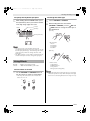
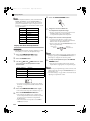
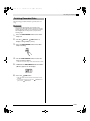
4.
Press the START/STOP button.
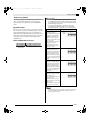
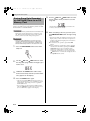
Using Auto Accompaniment
With Auto Accompaniment, the digital piano
automatically plays rhythm, bass, and chord parts in
accordance with chords you select using simplified
keyboard fingerings, or chords you play. Auto
Accompaniment makes it feel like you have your own
private backup group with you all the time.
• This will start the rhythm.
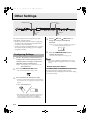
5.
Press the START/STOP button again to stop
the rhythm.
E-13