1
4.
5.
6.
382
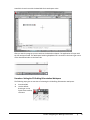
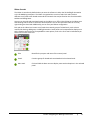
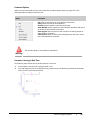
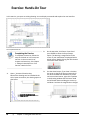
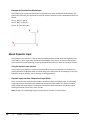
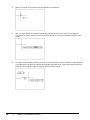
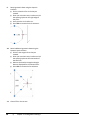
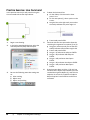
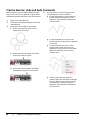
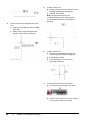
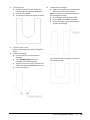
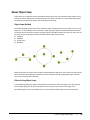
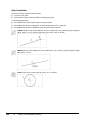
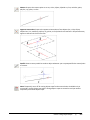
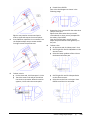
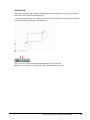
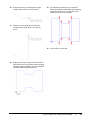
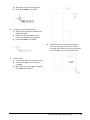
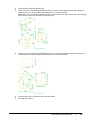
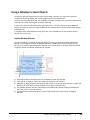
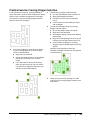
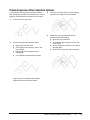
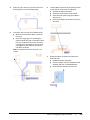
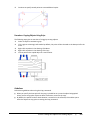
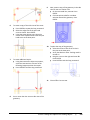
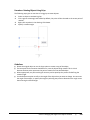
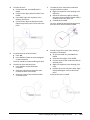
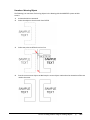
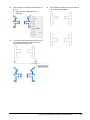
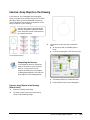
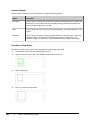
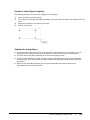
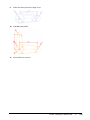
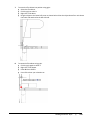
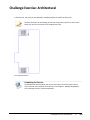
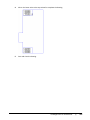
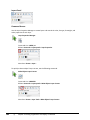
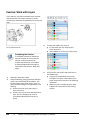
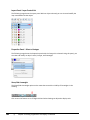
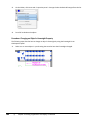
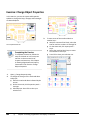
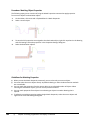
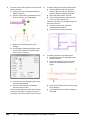
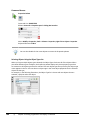
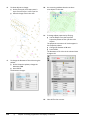
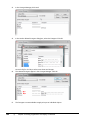
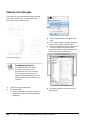
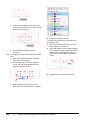
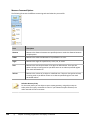
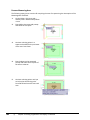
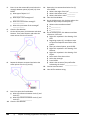
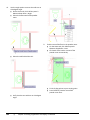
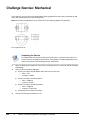
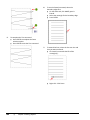
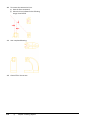
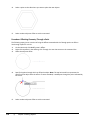
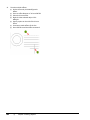
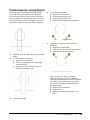
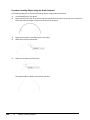
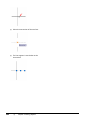
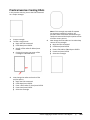
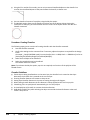
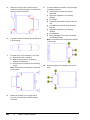
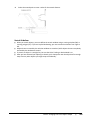
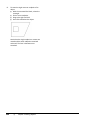
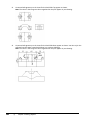
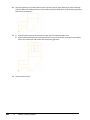
Select the top outside edge of the part and
select a point below the profile as shown.
7.
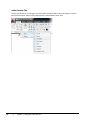
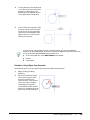
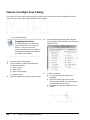
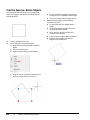
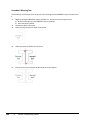
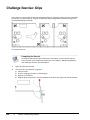
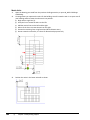
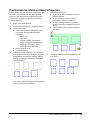
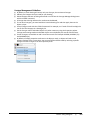
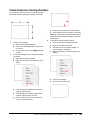
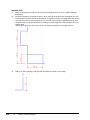
To offset the vertical line and place it on the
current layer:
■
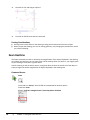
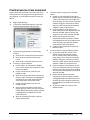
On the Home tab, click Modify panel >
Offset.
■
Right-click anywhere in the drawing. Click
Layer. Click Current.
■
Enter 5.25. Press ENTER.
■
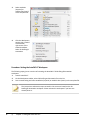
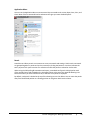
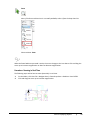
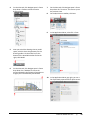
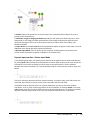
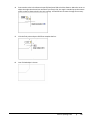
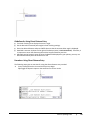
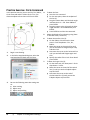
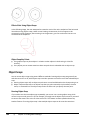
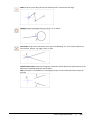
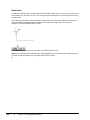
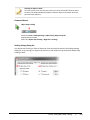
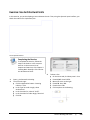
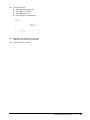
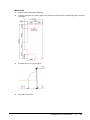
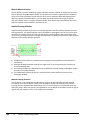
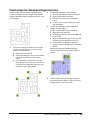
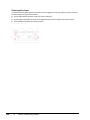
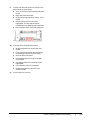
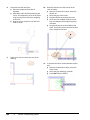
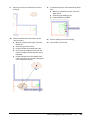
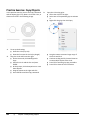
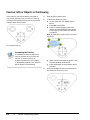
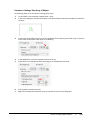
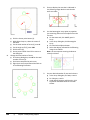
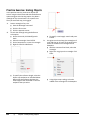
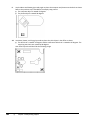
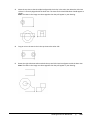
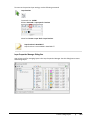
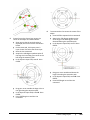
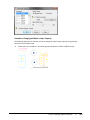
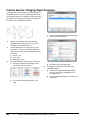
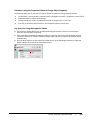
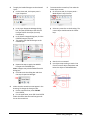
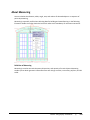
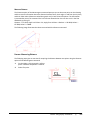
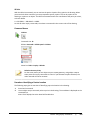
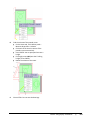
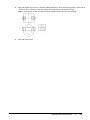
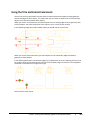
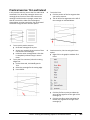
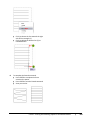
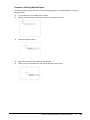
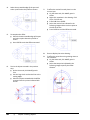
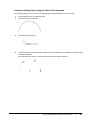
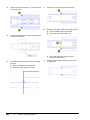
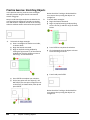
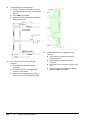
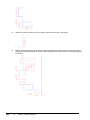
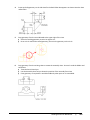
Select the vertical line indicated in the
following image and then select a point to
the left of the line.
■
Press ENTER to end the Offset command.
8.
9.
Zoom to display the entire drawing.
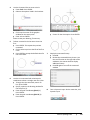
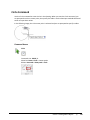
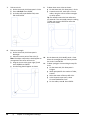
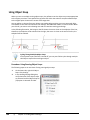
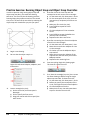
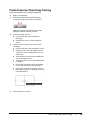
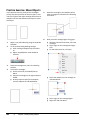
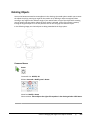
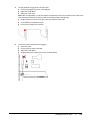
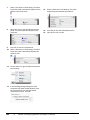
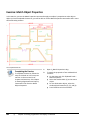
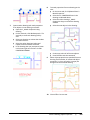
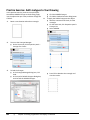
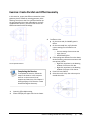
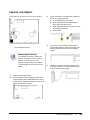
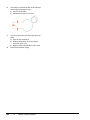
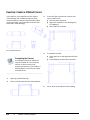
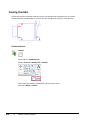
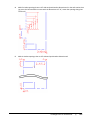
To offset the centerlines using existing views to
set a distance:
■
On the Home tab, click Modify panel >
Offset.
■
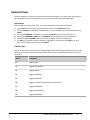
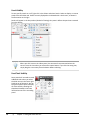
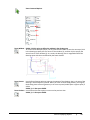
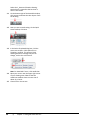
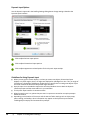
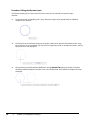
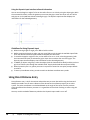
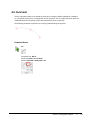
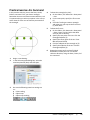
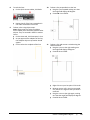
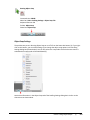
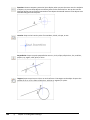
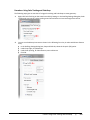
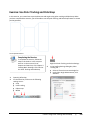
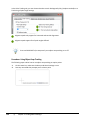
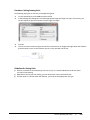
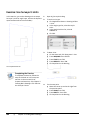
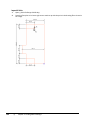
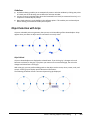
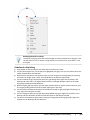
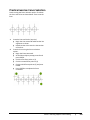
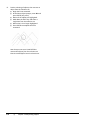
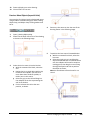
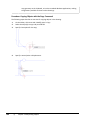
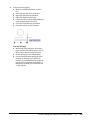
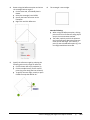
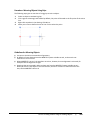
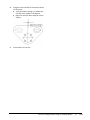
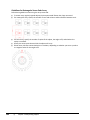
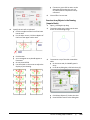
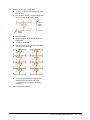
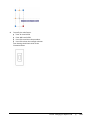
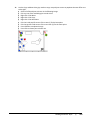
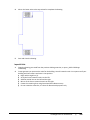
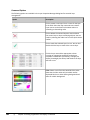
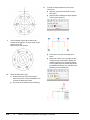
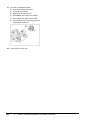
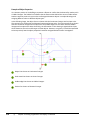
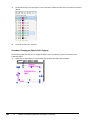
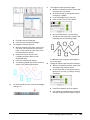
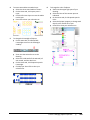
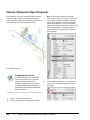
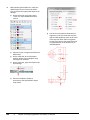
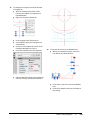
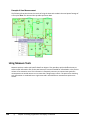
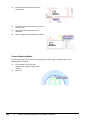
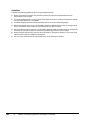
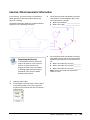
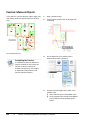
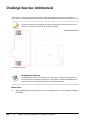
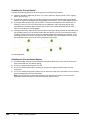
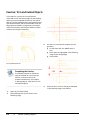
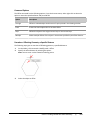
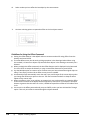
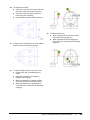
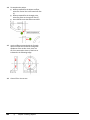
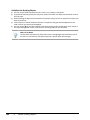
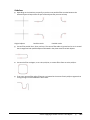
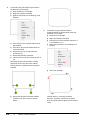
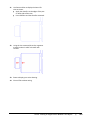
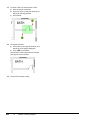
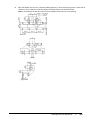
Select the two points indicated in the
following image to specify the offset
distance.
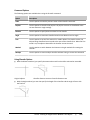
To complete the offset:
■
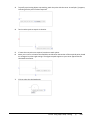
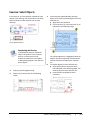
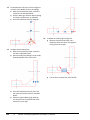
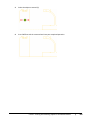
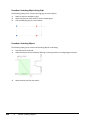
Select the bottom outside edge of the part
and select a point above the profile as
shown.
■
Press ENTER to exit the Offset command.
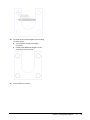
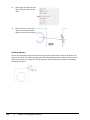
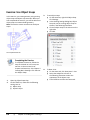
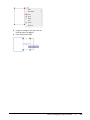
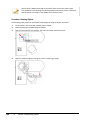
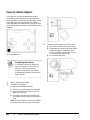
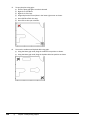
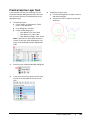
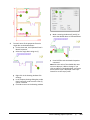
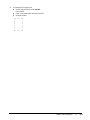
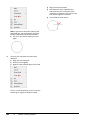
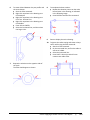
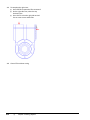
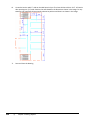
To trim the objects created in the previous
step:
■
On the Home tab, click Modify panel >
Trim.
■
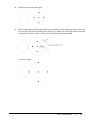
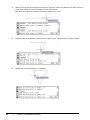
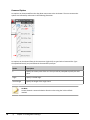
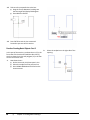
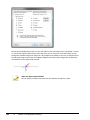
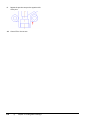
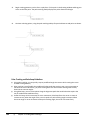
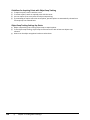
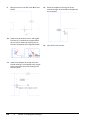
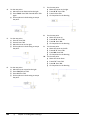
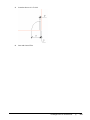
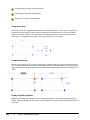
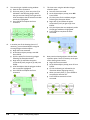
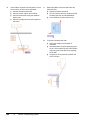
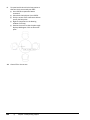
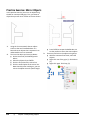
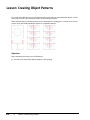
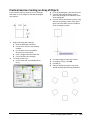
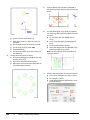
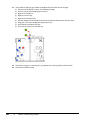
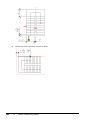
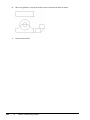
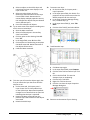
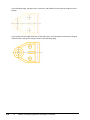
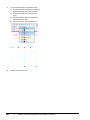
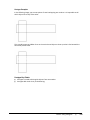
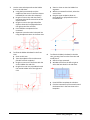
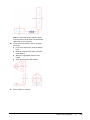
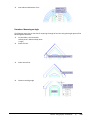
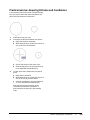
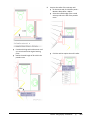
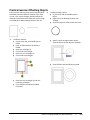
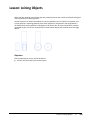
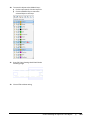
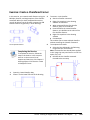
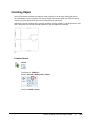
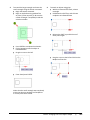
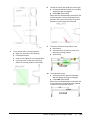
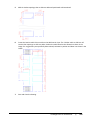
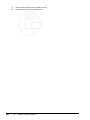
Use the large circle and vertical line as the
cutting edges.
■
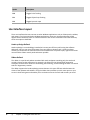
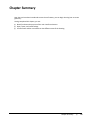
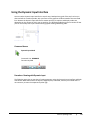
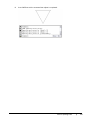
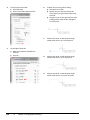
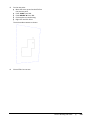
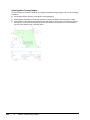
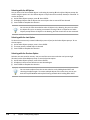
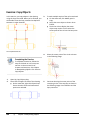
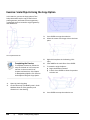
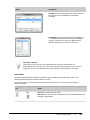
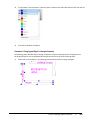
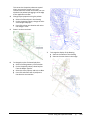
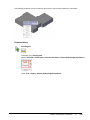
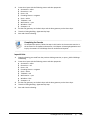
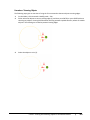
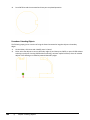
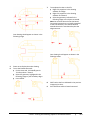
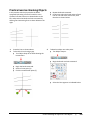
Select the objects created with the Offset
command near the points indicated with
arrows.
■
Chapter 5: Altering Objects