1
Prestige 2000W User’s Guide
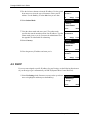
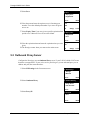
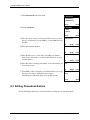
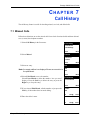
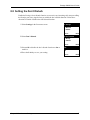
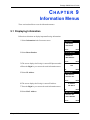
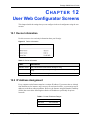
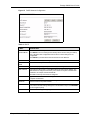
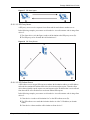
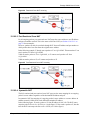
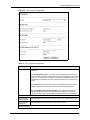
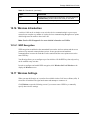
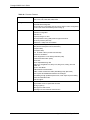
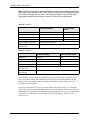
1 Select Phonebook in the first menu.
3. Phonebook
4. Net Settings
5. SIP Settings
Select
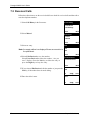
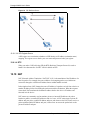
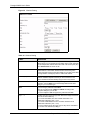
2 Select Search.
Back
1. Search
2. Add Entry
3. Erase
Select
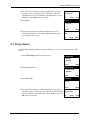
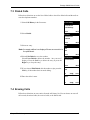
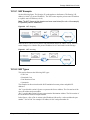
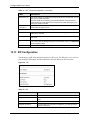
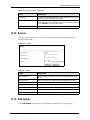
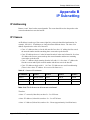
3 Select an entry.
Back
Alan
Amy
Note: An empty mailbox icon displays if there are no entries in
Ann
the phonebook.
Select
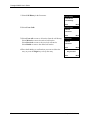
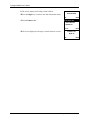
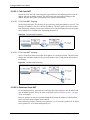
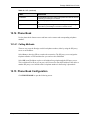
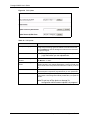
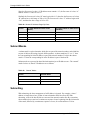
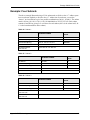
4 Select Edit. Then edit the entry in the same manner that you
add one (see Section 6.2 on page 45).
Back
1. Edit
2. Erase
3. Speed Dial
Select
Back
6.4 Erasing Phonebook Entries
Use the following instructions to remove an existing entry from your phonebook.
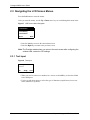
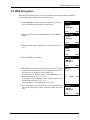
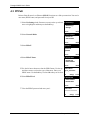
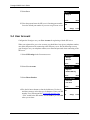
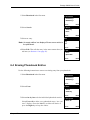
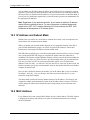
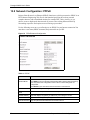
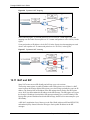
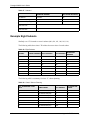
1 Select Phonebook in the first menu.
3. Phonebook
4. Net Settings
5. SIP Settings
Select
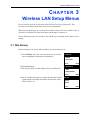
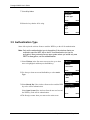
2 Select Erase.
Back
3. Erase
1. Search
2. Add Entry
Select
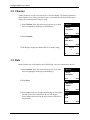
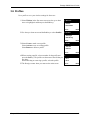
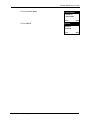
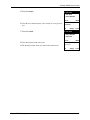
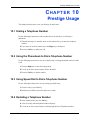
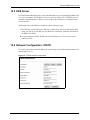
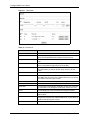
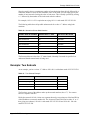
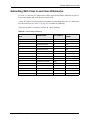
3 Select One by One to delete individual phonebook entries.
Select Erase All to delete every phonebook entry. “Are you
sure?” displays. Press the Left key to delete all entries or
press the Right key to keep the entries.
Chapter 6 Phonebook
Back
1. One by One
2. Erase All
Select
Back
47